
The apartment door is the one lock in your home you do not own. The building supplied it, the landlord holds a working key to it, and a maintenance worker you have never met is expected to get through it while you are at work. That single fact decides almost everything on this page, and it is why the best deadbolt smart locks for apartments are not simply the ones with the longest feature lists.
What actually matters is whether the lock mounts to the inside of your existing deadbolt and leaves the exterior cylinder alone, or whether it takes the cylinder over entirely and hands your landlord’s key to a locksmith. I went through the ten most-reviewed smart deadbolts on the market now, split them into those two categories, and checked what each one does to the physical key, the physical door, and the deposit you would like to get back when you move.
Every pick below is labelled Retrofit or Full Replacement in its heading, because that single word decides whether the lock is apartment-appropriate or a lease problem. Ratings, review counts, battery configurations and certification grades come straight from the manufacturer listings and the owner reviews behind them.
Three locks cover almost every apartment situation. The Schlage Encode is the one I trust most once you have permission to change the hardware, the August Smart Lock 3rd Generation is the safest choice for a renter who must keep the building key, and the ULTRALOQ Bolt SE is the feature-per-dollar leader for anyone already building a Matter home.



Use this table to sort the shortlist before you read the detail. The first two things to check on any apartment lock are the install type and whether the existing key keeps working.
| Product | Specifications | Action |
|---|---|---|
| Schlage Encode Smart WiFi Deadbolt |
|
Check Latest Price |
| August Home Smart Lock 3rd Generation |
|
Check Latest Price |
| ULTRALOQ Bolt SE WiFi Matter |
|
Check Latest Price |
 eufy Smart Lock C220 eufy Smart Lock C220 |
|
Check Latest Price |
 ULTRALOQ U-Bolt ULTRALOQ U-Bolt |
|
Check Latest Price |
 CANDY HOUSE Sesame 5 CANDY HOUSE Sesame 5 |
|
Check Latest Price |
 Philips Wi-Fi Smart Deadbolt Philips Wi-Fi Smart Deadbolt |
|
Check Latest Price |
 TEEHO TE012W TEEHO TE012W |
|
Check Latest Price |
 Sifely Model O Sifely Model O |
|
Check Latest Price |
 eufy Smart Lock C30 eufy Smart Lock C30 |
|
Check Latest Price |
Five minutes with a tape measure and a phone flashlight saves you a return shipping label. Nearly every failed apartment smart lock install traces back to one of the checks below, and two of them take under a minute.
1. Identify the lock. Open the door and look at the edge of the deadbolt. A single-cylinder deadbolt has a keyhole on the outside and a thumbturn on the inside, with a flat rectangular bolt between them. A mortise lock has a boxy metal case recessed into the door edge with the bolt coming out of it, and that is a different install problem entirely.
Almost every apartment smart lock on this list is built for the single-cylinder layout, which is why mortise doors get skipped more often than anything else on the internet.
2. Measure the backset. Measure from the edge of the door to the centre of the round or squared spindle hole. You will get one of two numbers: 2-1/8 inches or 2-3/8 inches.
The August retrofit fits most single-cylinder deadbolts without measuring, but full-replacement models state their range. The Schlage Encode, for example, is specified for 2-3/8 or 2-3/4 inch backsets, and the Philips and TEEHO models cover the standard 2-1/8 inch bore.
3. Measure door thickness. Most apartment entry doors run between 1-3/8 and 1-3/4 inches. Thinner than that and you have a hollow-core or fire-rated corridor door, and the lock body may not have enough material to anchor into. The Schlage Encode stops at 1-3/4 inches, while the Philips and TEEHO units go to 2 inches, so check the number before you order.
4. Check screw access. The interior escutcheon needs a flat-head screwdriver to reach two screws, and the strike plate screws need to reach the framing behind the jamb. If the jamb is a thin wood moulding over a hollow cavity, a long 3-inch screw will have nothing to bite into and the bolt throw will feel loose. This is a door-quality problem, not a lock problem, and no brand fixes it.
5. Open the lease. Look for a clause on alterations, fixtures or hardware. Some buildings allow anything reversible, some ban drilling outright, and some require the property manager to install hardware themselves. The mailbox lock and entry hardware guide we keep updated covers the same permission question for the shared mailbox, which is often governed by a separate rule from the unit door.
Full deadbolt replacement
Built-in Wi-Fi, no hub
Up to 100 access codes
BHMA highest residential rating
This is the lock I recommend to anyone whose lease explicitly permits a hardware change and whose door takes a standard deadbolt. It carries the most owner reviews of any lock in this roundup by a wide margin, it holds the BHMA highest residential security and durability certification, and the built-in Wi-Fi means there is no bridge to mount, power, or troubleshoot in a closet somewhere in your apartment.
What it gives up is the thing renters care about most. The Encode replaces the entire deadbolt, so the cylinder, the key and the keyway all change with it. Your landlord’s original key will not turn this lock unless someone rekeys it to the building’s cylinder, and that rekey is a conversation and a service call. Treat it as a homeowner product that happens to work well in a well-permitted apartment.
Fit is specified at 1-3/8 to 1-3/4 inch door thickness and a 2-3/8 or 2-3/4 inch backset, so measure before you commit. The four AA batteries are quoted at up to six months of typical use, and there is one physical backup key in the box for the moment the batteries die or the app stops talking to the server.
Owners describe the build quality in plain mechanical terms rather than software terms, which is telling for a lock. The body is 3.4 pounds and the whole unit measures 0.9 by 3 by 5 inches.
Alexa and Google Assistant support are confirmed working in owner reviews rather than only on the spec sheet, and the customisable built-in alarm for door movement and forced entry is a genuinely useful feature in an apartment corridor where you hear every door in the hall.
The complaint that shows up again and again is the touchscreen. Fingerprints wear the coating down over years, not months, and once it goes the keypad gets harder to read at night. If you are installing this in a place you may leave in a year, that is a real consideration.
Skip it if your lease is ambiguous, if the building key matters to a property manager, or if you plan to hand the apartment back and want the original hardware back on the door. It is also not the right pick for a unit whose entry is already keyless, because you would be adding a second entry method to a door that a dozen people can already open with a resident card.
For apartment buildings where you also have a bike or a shared space to secure, our wall mounted bike rack picks for apartments cover the storage half of the problem without touching the lease.
Interior thumbturn retrofit
Existing cylinder preserved
About 10 minute install
Auto-Lock and Auto-Unlock
If you rent, this is the one I would buy first. The August Smart Lock 3rd Generation does not touch the outside of your door. It replaces the interior thumbturn with a motorised one, drives the same bolt your existing deadbolt already throws, and leaves the key cylinder exactly where it is. Your key works. The landlord’s key works. The property manager can get in for an inspection with the same key they have used for years.
It fits most single-cylinder deadbolts and installs in roughly ten minutes with the included adapter, and when you move you unclip it and put the original thumbturn back.
The unit weighs 13.92 ounces and measures 1.63 by 2.6 by 4.8 inches, which matters more than it sounds on a thin apartment door where a bulky interior assembly can hit the strike jamb.
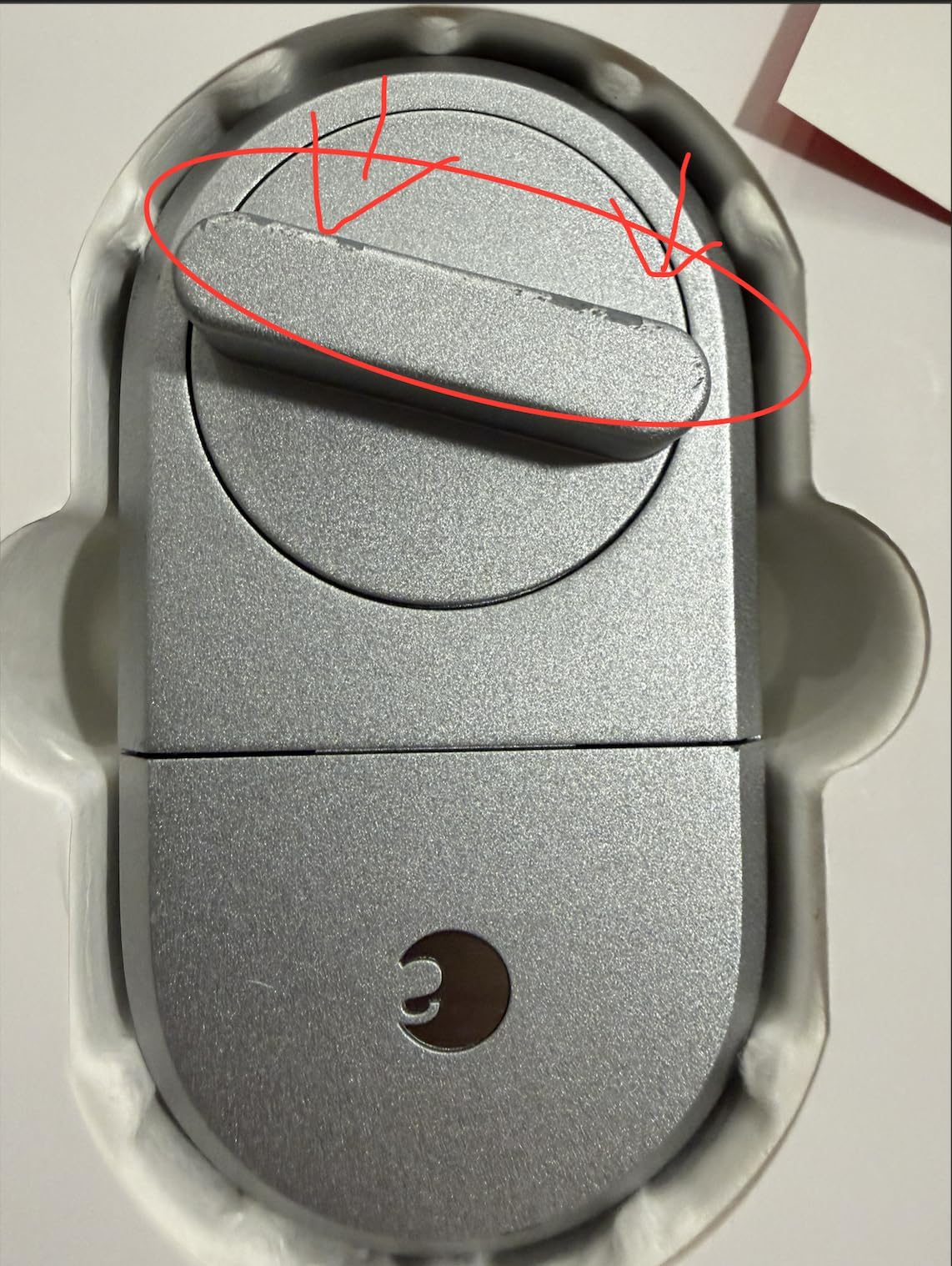
The DoorSense sensor is the part people underestimate. Mounted on the frame, it tells the app whether the door is actually closed before Auto-Lock throws the bolt, which is what stops the common smart lock failure where you drive away and the app says locked while the door is still standing open. Auto-Unlock works by phone proximity, so walking up with keys in hand and having the door open is as close to invisible as entry gets.
The compromise is remote access. The 3rd Generation talks Bluetooth to your phone, and unlocking from outside the home network requires the August Connect bridge, sold separately. In an apartment with poor hallway Wi-Fi that is arguably a feature, since the local Bluetooth path does not depend on your building’s router.
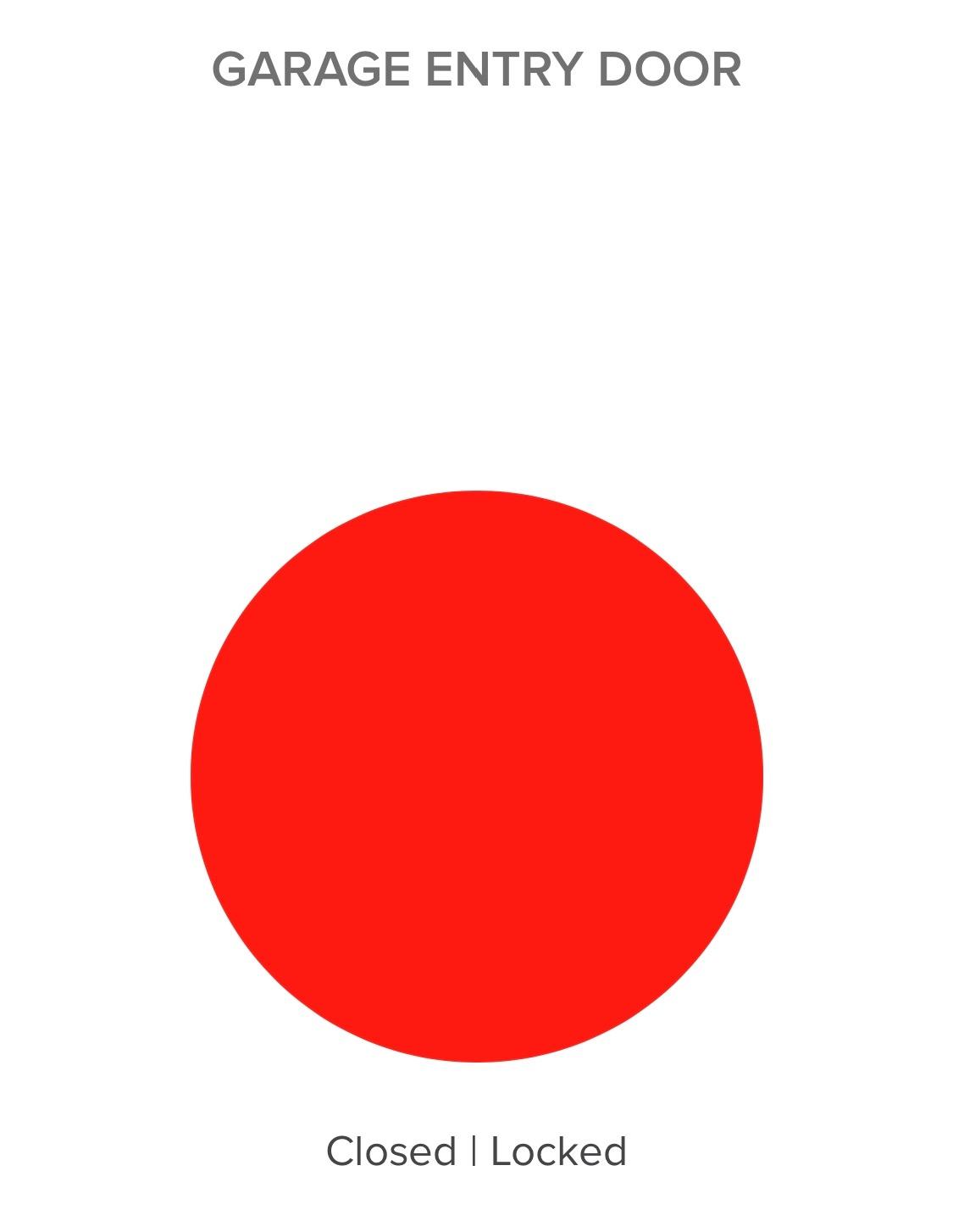
The design conversation on r/HomeKit about apartment deadbolt compatibility keeps landing on the same answer: a lock that makes no change to the installed hardware. That is the whole product. It also pairs with Apple Watch and shows lock and ajar status in the app, so a roommate or a family member can be added without handing over a physical key.
One thing to know before you promise codes to a dog walker: guest accounts cannot use Auto-Unlock, so they would enter with a code or their phone Bluetooth range instead. That is fine, it just needs explaining up front.
There is no fingerprint reader, no built-in Wi-Fi and no weather rating to speak of, because the interior housing never sees weather. Connectivity complaints do show up in reviews, mostly around older Android phones and Alexa support outside the US, so if you are on an older handset, test the app on your own phone before committing.
Also worth knowing: it will not help a mortise door. Retrofit means retrofit over a single-cylinder deadbolt, and a mortise case is a different shape entirely.
Full replacement deadbolt
50 fingerprints and 50 codes
Hubless Wi-Fi plus Matter over Thread
IP65 and ANSI BHMA
The Bolt SE is the most capable lock per dollar in this group, and the only one that speaks Matter over Thread while also carrying a fingerprint reader and its own Wi-Fi radio. If your building lets you replace the lock and you are already deep in a Matter ecosystem, this is the one to look at.
Seven entry paths in a single zinc alloy body: fingerprint, passcode, the app, a web portal, eKey and code sharing, voice control, and two mechanical emergency keys. The fingerprint store holds 50 prints and the keypad holds 50 codes, which is more capacity than most renters will ever use but more than enough for a family, a cleaner and a handful of dog walkers.
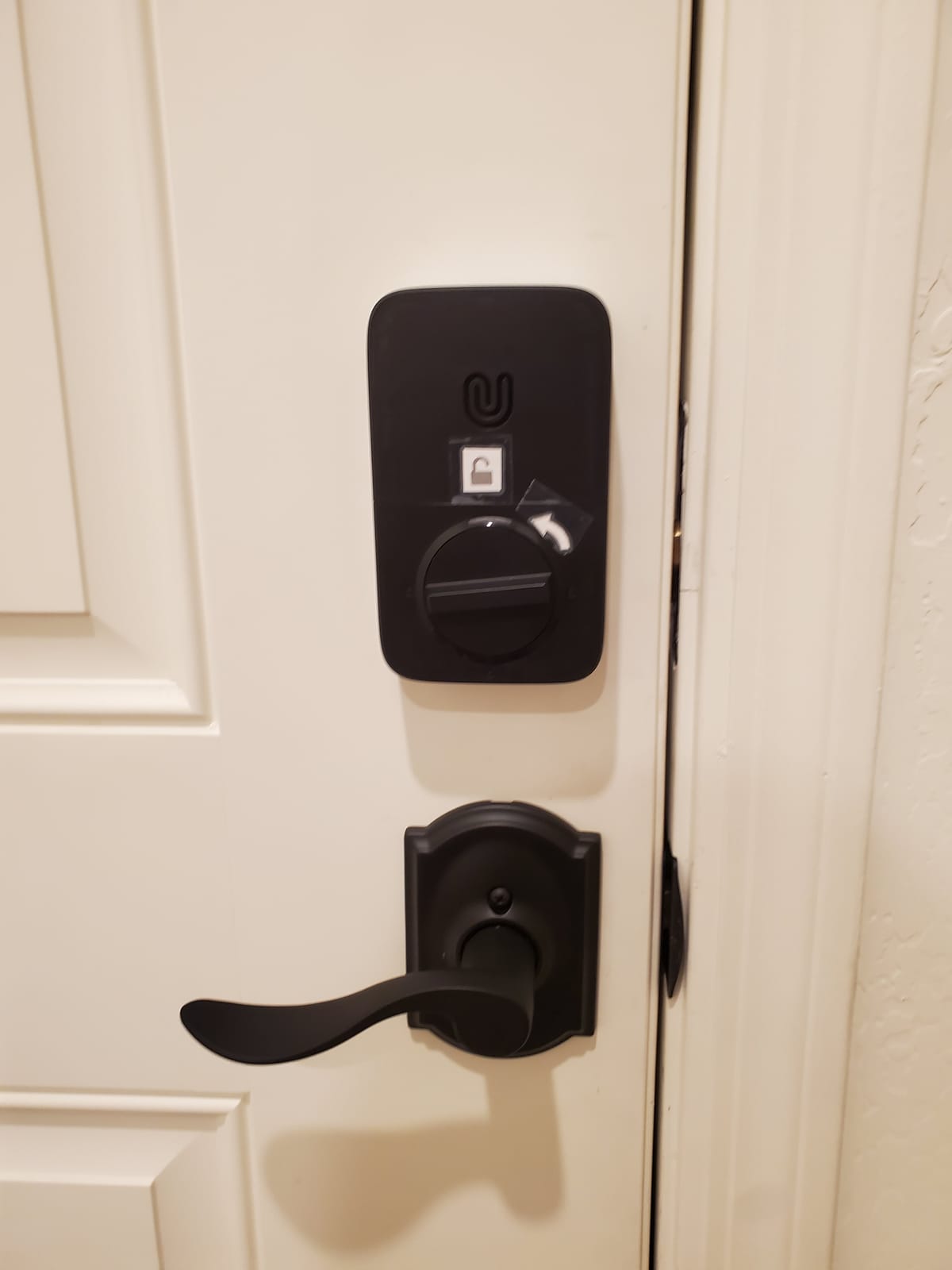
Remote control is genuinely hubless over the built-in 2.4 GHz radio, and the manufacturer asks you to keep the router within about 70 feet. In a large apartment building that is a real check to run, because the hallway is often the dead zone. The Matter path is different: it runs over a self-healing Thread mesh and reaches Apple Home and other Matter apps, but it needs a Thread Border Router somewhere in the home, which is not included.
Battery life is quoted at up to 18 months on the Thread mesh network, which is the longest claim in this roundup and the one most worth testing rather than trusting. A 10-minute DIY install, ANSI BHMA certification and IP65 sealing make it a legitimate exterior door lock rather than an indoor-only unit.
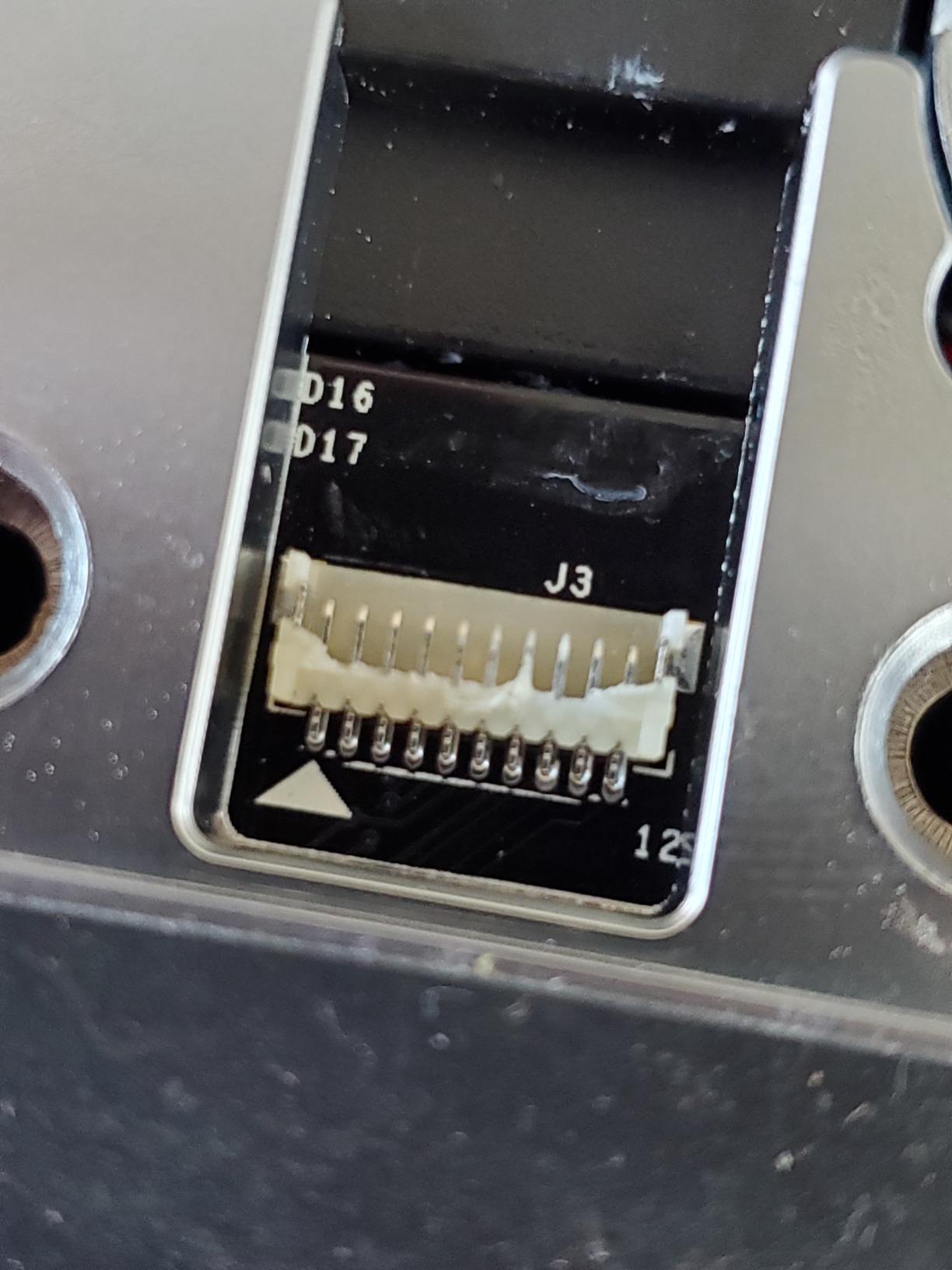
Matter over Thread means the lock can join Apple Home, SmartThings, Alexa and Google Assistant through local control rather than a cloud round trip, which is the direction the whole category is moving. Siri voice control, the app and the physical keys all work in parallel, so a network outage degrades the lock to a keypad and a key rather than a brick.
App-based code sharing is the quiet winner for apartments. You can issue a permanent code, a scheduled code or a one-time code to a friend, a contractor or a delivery service without anyone ever touching your keys.
No door sensor ships in the box, so you lose ajar detection and auto-lock is a timer rather than a door-state check. That is the same limitation the other hubless models in this list share. And if you are buying it for Matter specifically, budget for a Thread Border Router before you buy the lock, not after.
It is also a full replacement, so the same key-retention caveat that applies to the Schlage applies here: the building’s original key will not fit.
Full replacement deadbolt
Fingerprint plus keypad and watch
8 AA batteries, about 8 months
Built-in Wi-Fi, no bridge
The C220 pairs a self-learning fingerprint reader with eight AA batteries, and that battery count is the quiet story here. Most locks in this roundup run on four cells and generate real complaints about replacement intervals. Eight cells at roughly eight months of typical use, per the manufacturer, is the longest interval among the full-replacement models we looked at.
Entry runs six ways: fingerprint, the eufy Security app, keypad, physical key, Apple Watch, and Alexa or Google voice. The fingerprint module improves with each touch rather than degrading, which owner reviews describe as noticeably faster after the first week of use.
Remote control is hubless through built-in Wi-Fi, and auto-lock is on a timer. Fit is 15 minutes without drilling, and it accepts bores under 54mm once the spacer is removed, which is a small detail that saves people a return.
BHMA Grade 3 certification after more than 100,000 lock cycles, IP53 water resistance and a -22F to 158F operating range make it a genuine exterior door lock. That matters if your unit door faces a stairwell rather than a sheltered corridor.
The app integration is the quiet strength. If you already own an eufy doorbell, the lock and the camera live in the same app and can share routines, which is a cleaner setup than maintaining two ecosystems on one door. Our apartment appliance roundups cover the rest of the small-space setup if you are kitting out the unit at the same time.
There is no Apple HomeKit and no Matter support, so the lock lives inside the eufy ecosystem. If you are on Apple Home and want the door in the same automation stack as your lights and blinds, this is the wrong pick. The touchscreen keypad is also a fingerprint target that will look worn over time, same as the Schlage.
And like the Bolt SE, it replaces the deadbolt outright. The building key is gone unless it is rekeyed.
Full replacement deadbolt
ANSI Grade 1 certified
IP65 rated
Bluetooth, bridge for remote
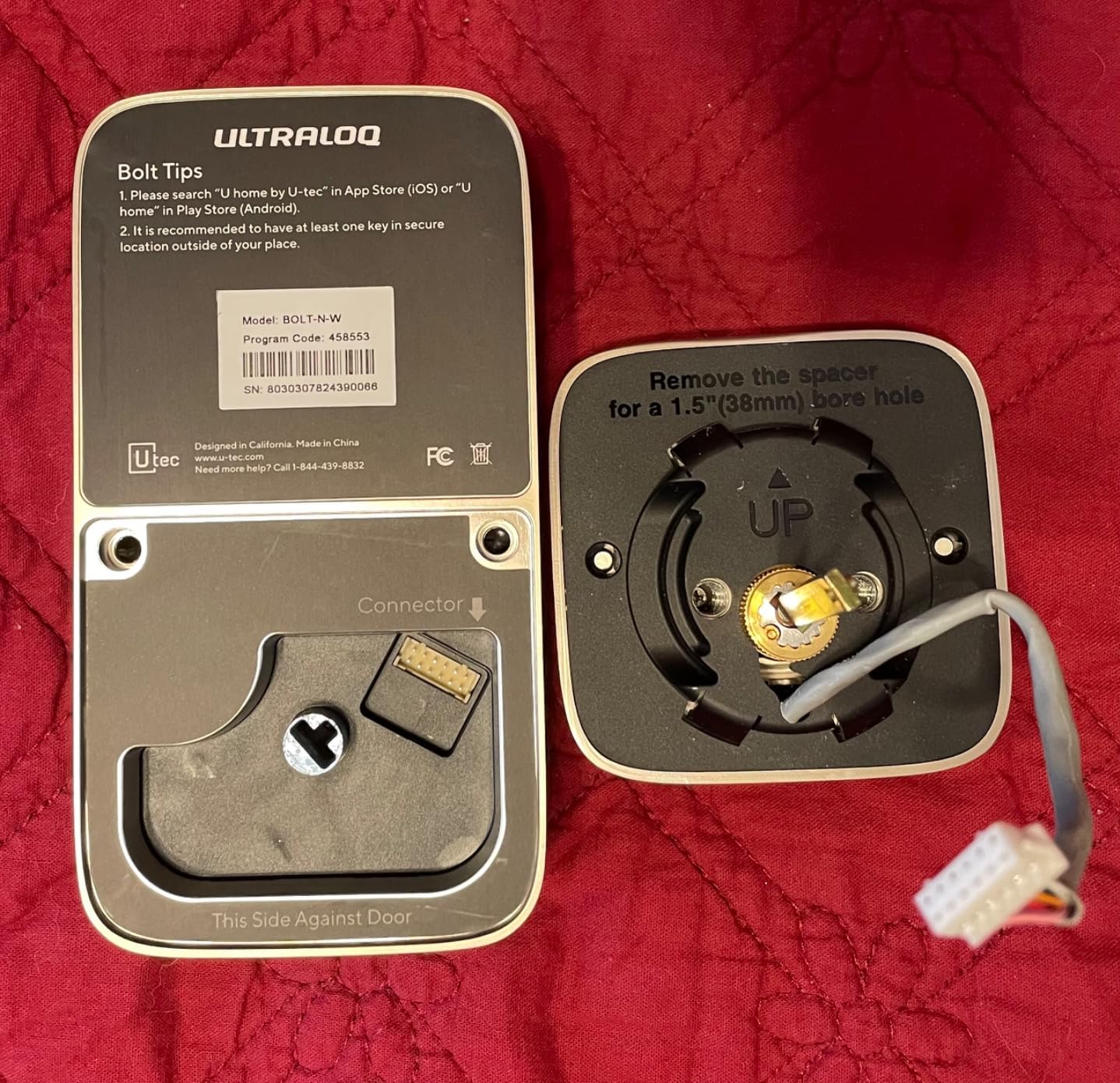
The U-Bolt is the hardware-first option in this roundup. It is ANSI Grade 1 certified, rated by the manufacturer at up to 35 times the strength of a standard residential lock with a seven-times longer lifespan, and it still throws its bolt as a dumb mechanical lock when the batteries are dead. For a rental where you may be there a year and gone the next, that mechanical fallback is the whole point.
Entry is five ways: keypad, smartphone app, auto-unlock, smartwatch app and two mechanical keys. The keypad scrambles random digits before displaying your code, a small but genuinely useful touch in a shared hallway where someone could otherwise read your digits over your shoulder.
It fits most standard US doors with a 10-minute screwdriver install and no drilling. IP65 dust and weather resistance cover the exterior housing.
Owners consistently frame it as the value answer to premium Schlage-class hardware, and the Grade 1 certification is the reason. It is one of the few locks at this level that carries a lifetime mechanical guarantee alongside an 18-month electronic one, which is a sensible split when the electronics will outlive your tenancy.
Auto-lock after entry, low battery alerts through the app, and SmartThings and IFTTT support are all present. The physical security does not depend on any of them.
It is Bluetooth only. Any remote unlock, Alexa control or SmartThings integration requires the ULTRALOQ Bridge, sold separately, and that bridge needs 2.4 GHz Wi-Fi and somewhere to sit. In a small apartment that is one more box, one more power lead and one more thing to explain at move-out.
There is no fingerprint reader, the silver key cylinder does not match the black finish, and several owners describe the setup documentation as needing work with auto-unlock staying unreliable until it is configured properly. Budget an evening, not ten minutes.
Adhesive no-drill retrofit
Fits your existing key
Apple Watch and NFC
Remote needs Hub3
The Sesame 5 takes the no-damage promise further than any other lock here. It does not drill, it does not unscrew your existing deadbolt, and it does not replace the cylinder. It adapts to the key you already have and mounts with 3M adhesive tape, which makes it the easiest lock to add to and remove from an apartment door without a single tool mark.
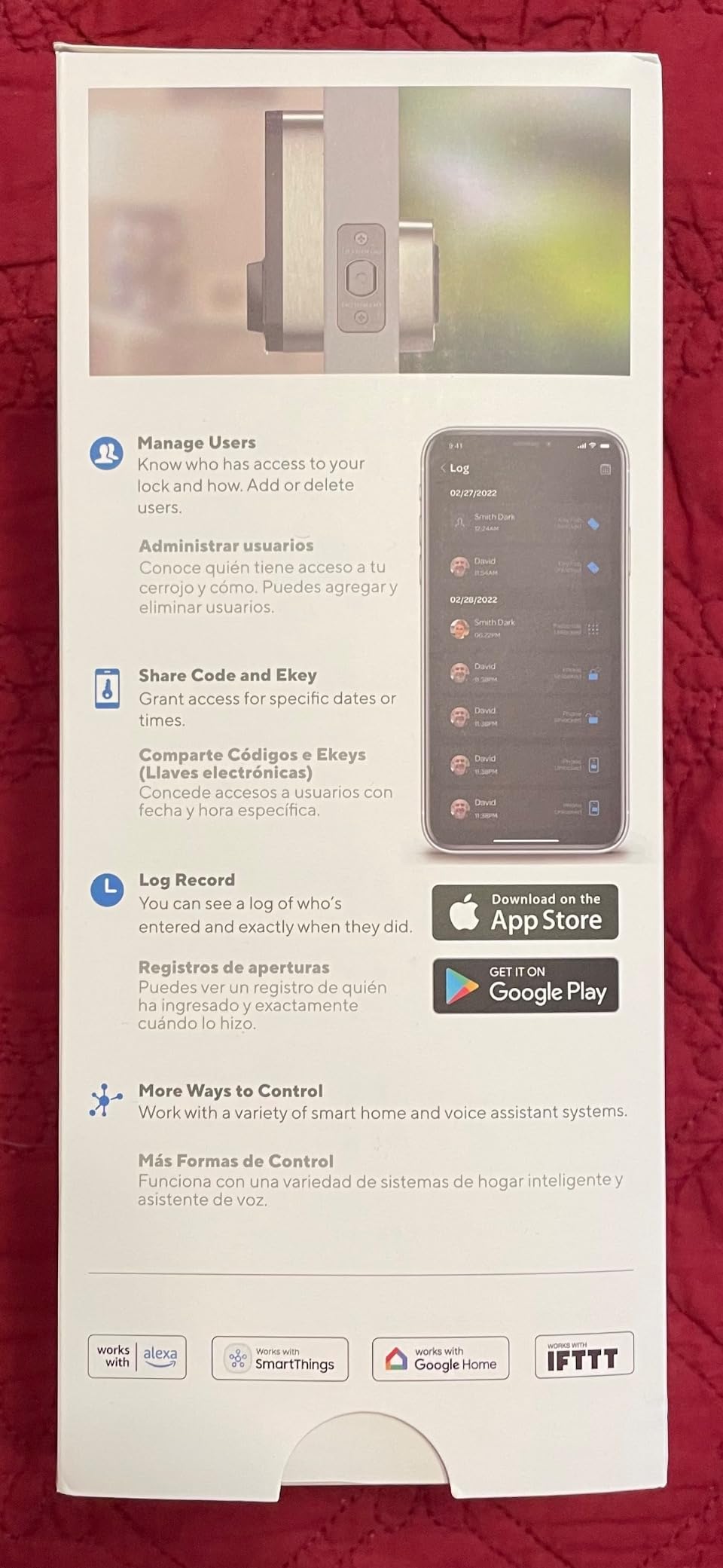
It runs SesameOS 3 with a free Bluetooth API, an open-source app, Matter support, multi-device pairing and Always Connect through the Hub3 when you want remote access. Entry is via iPhone, Apple Watch, NFC tags, home screen widgets, Alexa, Google Assistant, Siri, or the physical key you never had to change.
Auto-lock is adjustable from 3 seconds to an hour, which is a wider range than most competitors offer and genuinely useful for a corridor where a neighbour needs to reach past you for something.
Custom 3D-printed adapters are available if you send a photo of your key, which covers the odd cylinders that defeat a generic adapter. The existing deadbolt stays in charge of physical security, so you are not downgrading the thing that actually keeps burglars out while adding convenience on top.
It is also the one to look at if you are subletting or hosting, because the same unit works on a door you will leave behind. Our apartment electric grill roundup covers the other half of short-stay living if you are setting the place up for guests.
Nothing on the surface is a drill hole, but tape is not magic. One owner reported residue left on the door, and a 138-gram adhesive mount on a door that opens and closes ten times a day is a long-term relationship with the underlying paint. On a painted door in a building you will leave, that risk is not nothing.
Remote unlock needs the Hub3. Without it, some settings can only be changed while your phone is standing next to the lock over Bluetooth, and the bundled screwdriver is genuinely too small for the thumbturn screws, so bring your own.
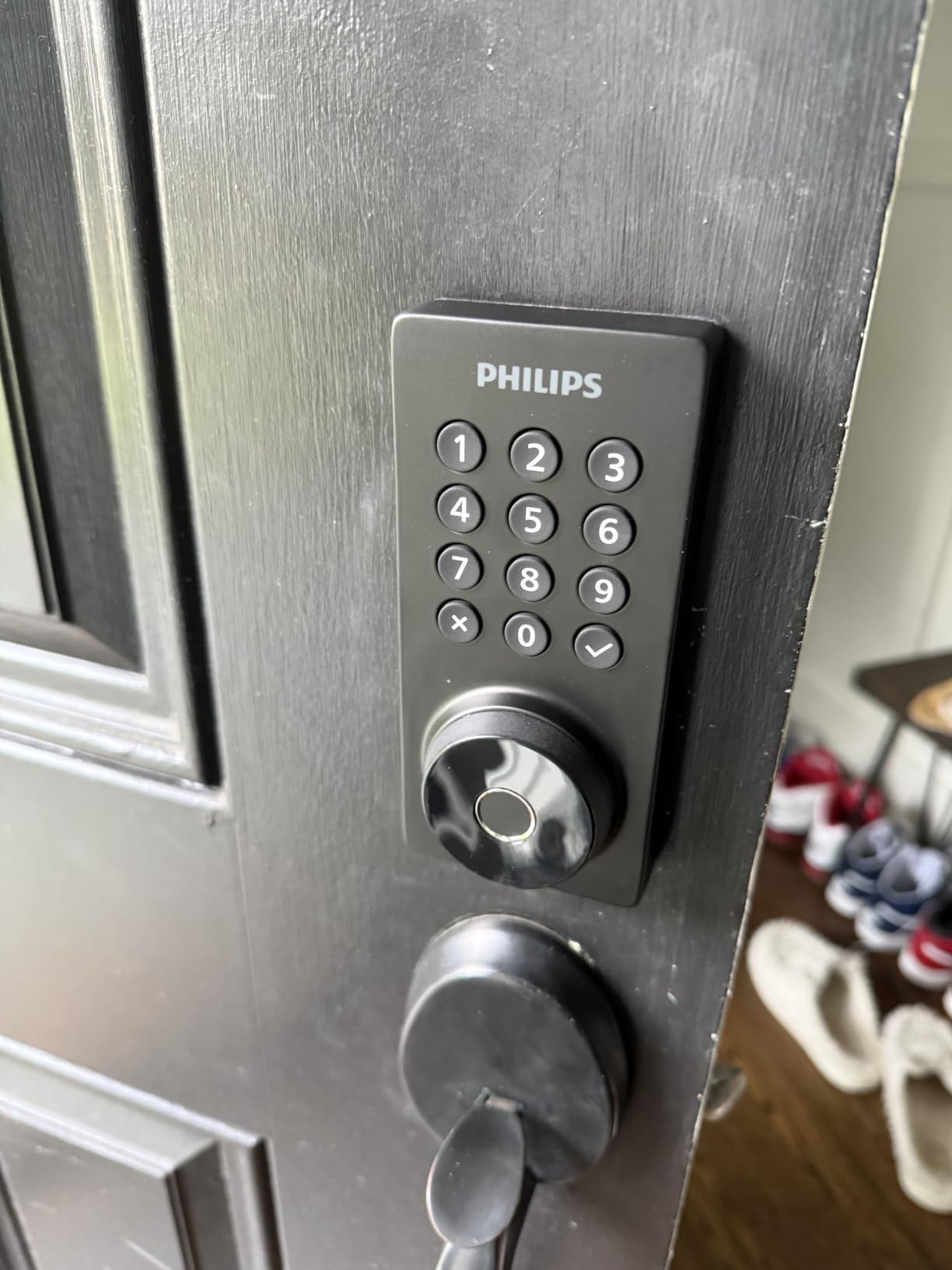
Full replacement deadbolt
Built-in 2.4 GHz Wi-Fi
Fingerprint, code, key, voice
100 passcodes and Away Mode
The Philips Wi-Fi Smart Deadbolt is the code-management specialist. Up to 100 custom passcodes, plus scheduled and one-time sharing, with a real-time activity log, and an Away Mode that shuts off every unlock method except the master code while you travel. If your apartment sees a cleaner twice a week, a dog walker daily and deliveries all day, that is the feature set that pays for itself.
Five unlock paths: app, passcode, fingerprint, physical key, and Alexa or Google Assistant voice. Built-in 2.4 GHz Wi-Fi removes the hub entirely, and the manufacturer asks that the router sit within about 65 feet, which is a tight number in a large unit with thick walls.
Fit is stated for doors 1-3/8 to 2 inches thick with a screwdriver-only install, and auto-lock is adjustable from 10 to 180 seconds. The body is aluminium and the unit weighs 1.4 pounds.
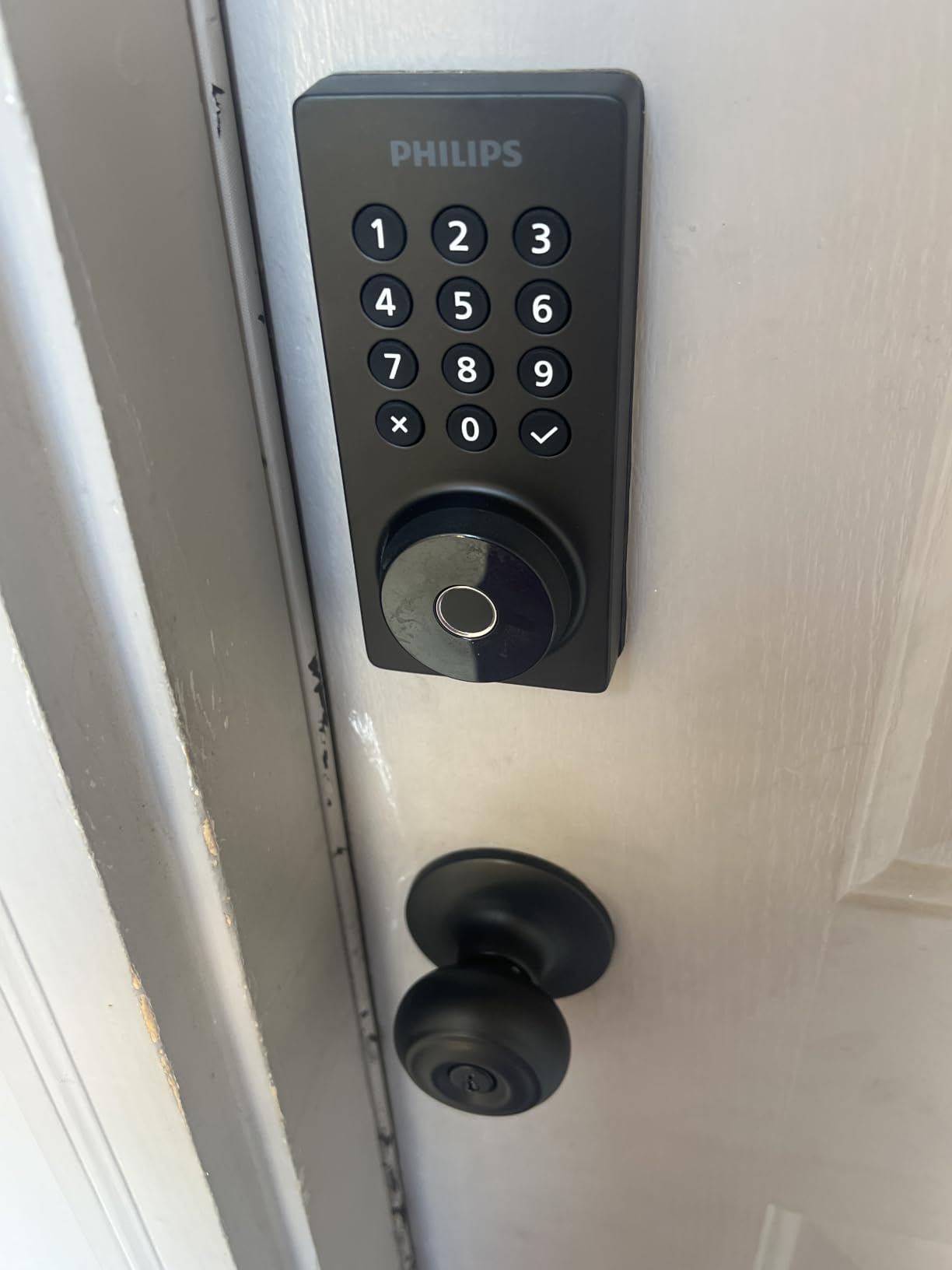
One-time codes are the underrated part. A cleaner gets a code that works at 10am Monday and stops working at noon, a dog walker gets a recurring one, and a friend visiting for a weekend gets a temporary code that self-destructs. Nobody needs a physical key, and the log tells you exactly who came through the door and when.
That is also the honest answer to a sublet. Hand a departing flatmate their own code rather than the spare key, and revoke it the day they leave.
Batteries are not included and the manufacturer specifies AA alkaline only, so add that to the first hardware run. There is no door sensor, so auto-lock fires on a timer without confirming the door actually closed, which matters in a building where a fire door or a stiff wind can hold a door ajar.
The 2.4 GHz constraint is real. If your router is on the far side of the unit, remote unlock reliability will suffer, and the keypad is a touchscreen that will show wear.
Full replacement deadbolt
Fingerprint for 20 users
100 passcodes
Built-in Wi-Fi, 8 AA batteries
The TE012W rates 4.4 across 771 owner reviews, tied for the highest satisfaction score among the full-replacement models here, and owners report buying more than one. The 8-AA battery design is deliberate: more cells mean steadier Wi-Fi radio behaviour as the charge drops, which is why it behaves better on remote unlock than several four-battery rivals.
Entry is five ways: app, fingerprint for up to 20 users, up to 100 passcodes, two backup keys, and voice. Built-in 2.4 GHz Wi-Fi runs through the KK Home app with AES-128 encryption and local data storage, and there is no hub to buy.
The security behaviour is the part that makes it family-friendly. Ten consecutive wrong PIN entries lock the unit for three minutes and send a break-in alert. Combined with an anti-peeping password option, Silent Mode and Away Mode, it is a lock designed for a household where children and adults share one code list.
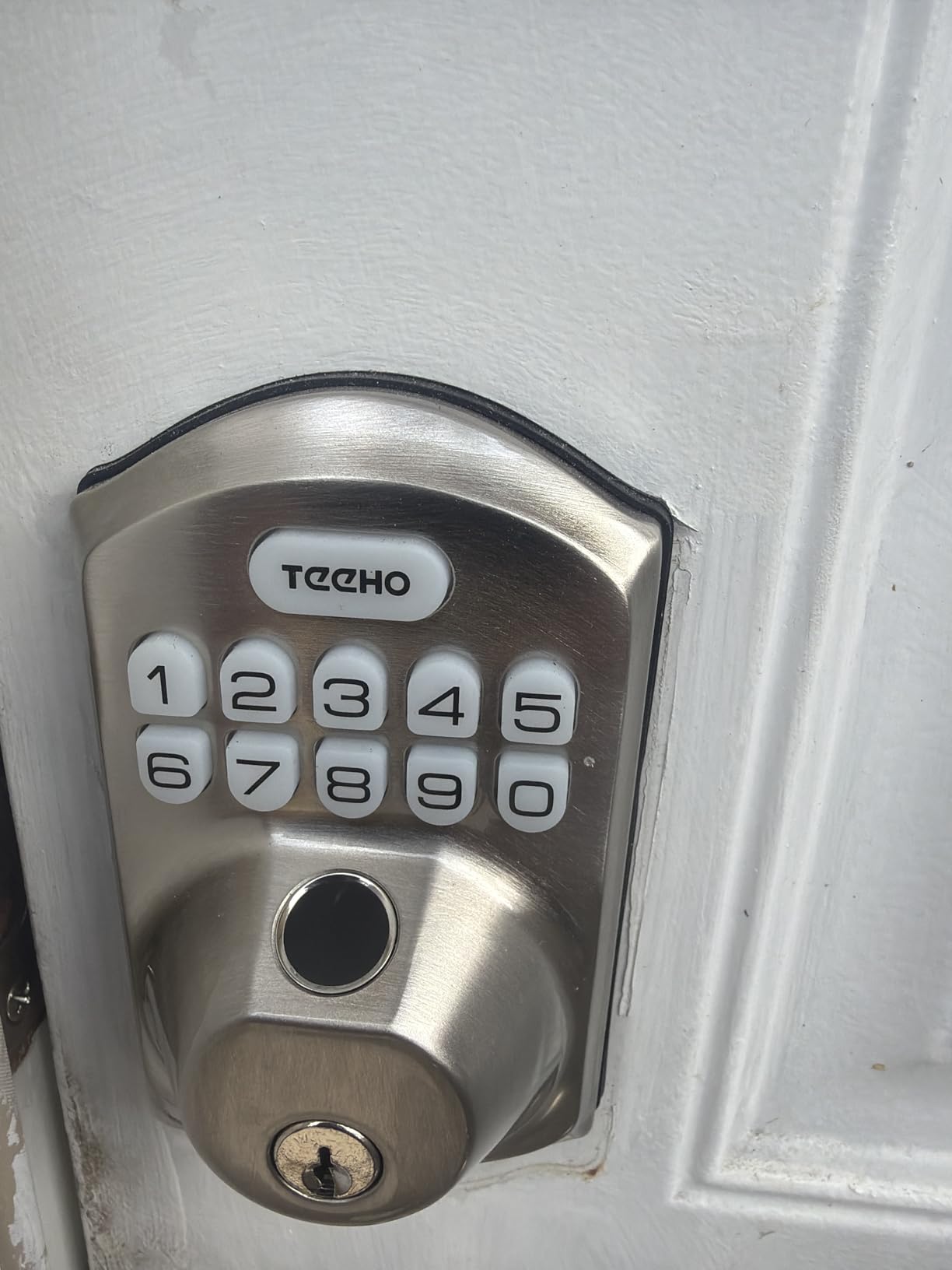
Twenty fingerprint slots with fast first-touch recognition is the practical number for a family apartment, and it removes the daily friction of typing a code when your hands are full. Two backup keys and a mechanical thumbturn mean the door still opens when the batteries die, which matters in a building with a fire-rated corridor.
BHMA Grade 3 certification and IP55 weather resistance make it suitable for an exterior door, and fit is specified at 1-3/8 to 2 inch thickness with standard 2-1/8 or 1-1/2 inch bores in both handing directions.
Eight AA batteries is a double-edged design. Some owners report replacing a set in about a month, which is well short of any published figure, and battery behaviour in a cold or unheated hallway is worse than in a warm unit. If your building corridor is unheated, budget for shorter intervals and enable the low-battery alerts immediately.
The interior assembly has a plastic feel next to the aluminium exterior, Alexa routines did not carry over in owner reports even though voice unlock worked, and metal-clad or unusually thick doors may need drilling, chiselling or jamb modification. If your door is standard, none of this applies.
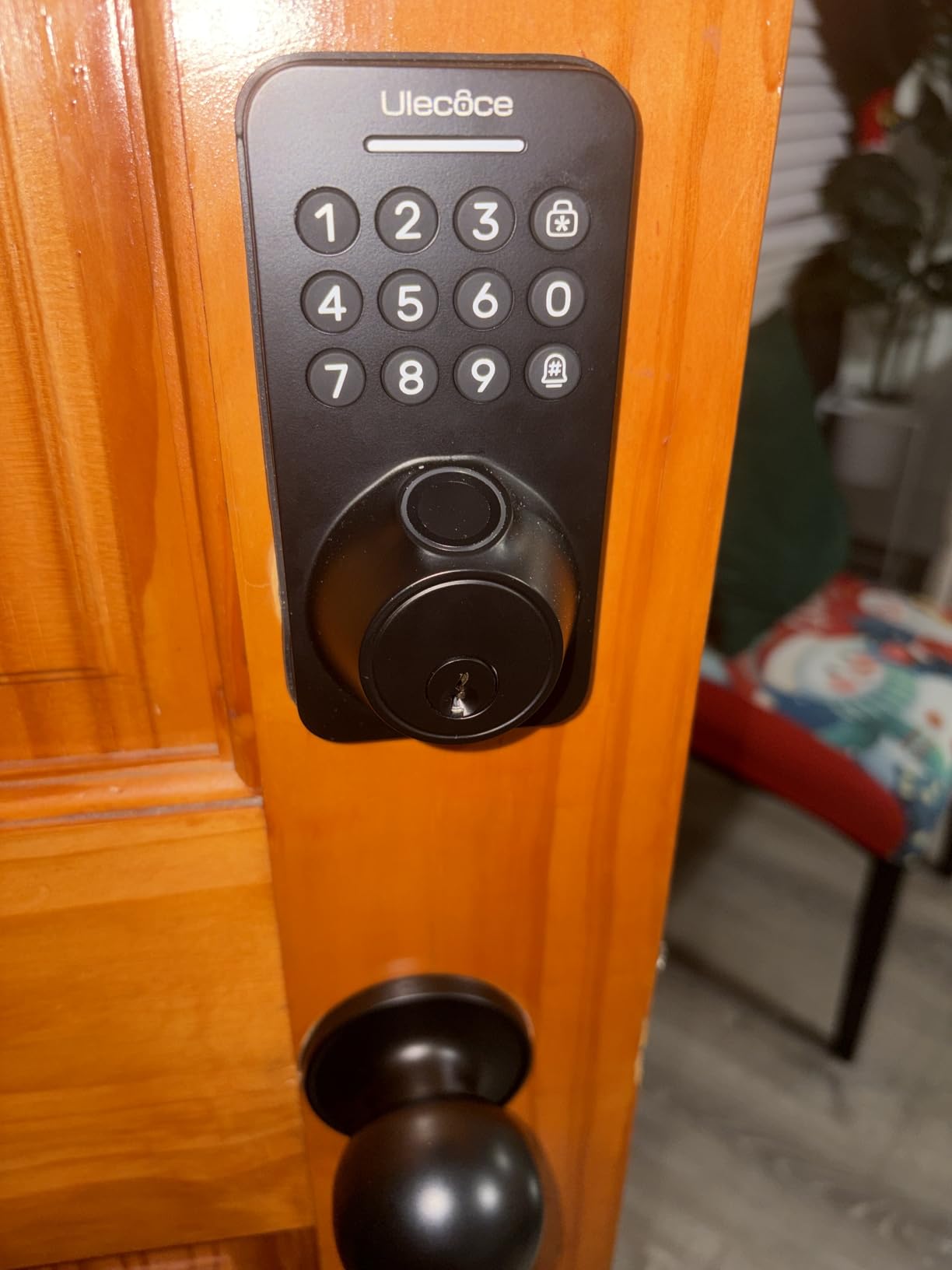
Full replacement deadbolt
100+ fingerprints and codes
Screwdriver install, both handing
Gateway needed for remote
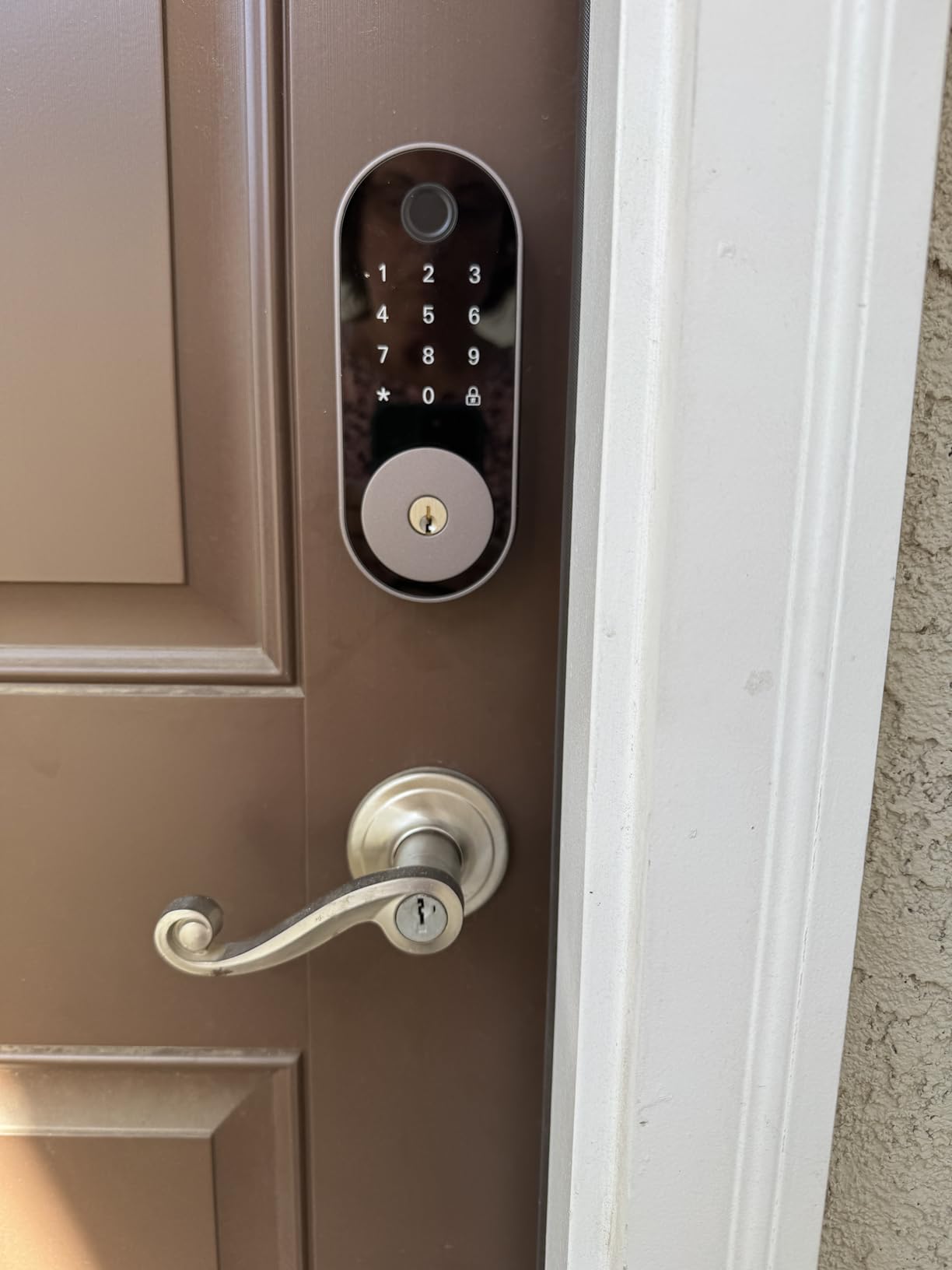
The Sifely Model O wins on one axis that matters more in a rental than any spec sheet: you can install it. Owners describe the documentation as the clearest they have used, and the app as simpler and more intuitive than competing smart lock apps. When you may be doing this on a moving day with a screwdriver and a phone, that is worth more than another entry method.
Capacity is generous: 100+ fingerprints and 100+ codes, plus fob and physical key entry, all managed through a free app and web portal with access logs, eKey sharing and schedules. A screwdriver-only install covers both handing directions, which removes the most common reason a full-replacement lock does not go in.
Auto-lock fires after each entry, and privacy mode, passage mode, anti-peep code and low battery alerts round out the security options.
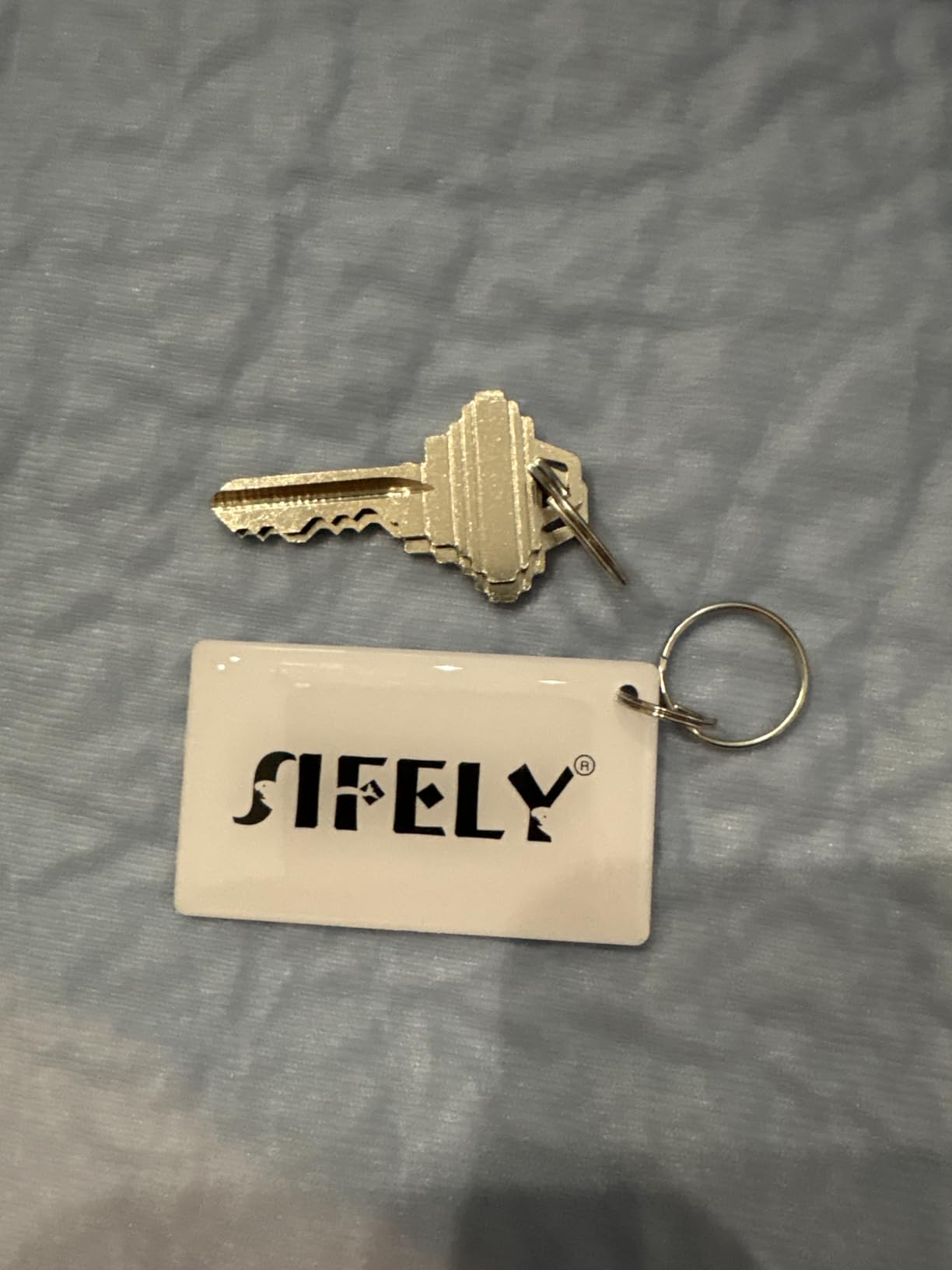
The schedules and eKey sharing in the free app are what make turnover codes painless. Generate a code for the incoming guest, set it to expire, and the same system covers a two-week sublet without anyone meeting a key handover. The activity log tells you whether the cleaner actually came, which is the question every host asks and most locks answer badly.
Nothing in the app is behind a subscription for local code management, which is a meaningful difference in a property you will eventually hand back.
Remote access and voice control require the separately sold Sifely Gateway. Without it the app is Bluetooth only, and it cannot show live lock or unlock status, which is a real limitation if you are trying to confirm from work that the door is secure.
Two smaller issues recur: the fingerprint reader occasionally needs a second touch, and only one device can be logged into the app at a time, so a partner sharing the same door needs their own account or their own phone setup. Existing door lock plates may also need adjusting during install.
Full replacement deadbolt
Built-in Wi-Fi, no bridge
Keypad app voice and key
No monthly fee
The C30 is the simplest thing in this roundup that still does the job. Keypad, app, voice through Alexa or Google Assistant, and a physical key, with built-in Wi-Fi for remote control and no bridge, no hub and no monthly fee. If you want remote unlock and one-time codes without learning a new ecosystem, this is the least complicated path.
Installation is quoted at 15 minutes with no drilling on most standard deadbolts. Auto-lock runs on a customisable countdown timer, four AA batteries are rated at up to five months, and the exterior carries IP53 sealing with a -22F to 158F operating range and BHMA Grade 3 certification.
Owners also note that it works as a plain mechanical lock when the batteries die, which is the fallback every apartment resident should care about.
The app setup is a 1-2-3 flow that owners describe as painless, and several use it on rental properties to let guests in remotely without a smart lock company involved. The design pairs with eufy doorbells in the same app, so a camera and a lock on the same door share one login.
No monthly fee is worth emphasising. Several competing ecosystems charge for remote access or automation features, and in a place you may leave in a year, recurring fees for a lock you will uninstall are pure waste.
It carries the lowest rating in this group at 4.0 across more than 2,000 reviews, with a 16 percent one-star share, and the reason is consistent: battery drain. Several owners changed four AA sets every three to six weeks with little or no low-battery warning, and a few reported failures inside a month. A lock that dies without warning in a hallway is a lockout waiting to happen.
The touchscreen keypad is also described as difficult to use, and there is no Apple HomeKit support with unreliable Apple Watch control. If you want the simplest experience and accept the battery trade-off, it is a fine choice. If you want the lock to stop being your problem, one of the eight-AA models above is a better fit.
This is the section that decides whether any of this is a good idea, and it is the one most roundups skip. A smart lock on a rented unit is a lease question before it is a hardware question, and the order you do things in determines whether you get your deposit back.
1. Name the exact hardware. Ask for permission for a specific model and install method, not a general request to add a lock. “An interior retrofit that mounts over the existing thumbturn and leaves the exterior cylinder in place” is a far easier thing for a property manager to approve than “a smart lock”.
2. Ask about the cylinder specifically. If you intend to replace the deadbolt, ask in writing whether the new lock must be rekeyed to the building’s existing keyway, and who pays for it. If the answer is that the building key no longer opens your door, you have your answer about which category to shop in.
3. Confirm the removal terms. Ask what condition the door must be in at move-out. Most landlords will accept a reversible install with no drilling and no visible damage, and the ones who will not are telling you something important early.
4. Ask who can be given access. Confirm that maintenance and emergency entry continue to work through whatever you install. A property manager who cannot get in during an emergency is a real problem, and a physical backup key on every lock in this roundup is the part of your answer that satisfies them.
Keep the reply. An email thread where a manager says no problem is worth more at move-out than a verbal yes, and the same principle applies to any shared-space decision in the building, like the apartment induction cooktop rules that come with the same kind of written approval.
1. Photograph everything before you touch it. Wide shot, close-up of the strike plate, and a shot of the bore if you drilled. Photos taken the day you move in are your entire defence at deposit time.
2. Remove the interior assembly first. Unclip or unscrew the interior unit, disconnect any battery leads, and lift it clear. On a retrofit lock this is the only part you ever touched.
3. Reinstall the original hardware. Put the original thumbturn back on a retrofit. On a replacement lock, refit the original deadbolt or the building-supplied equivalent, and reinstall the original strike plate.
4. Fill any drilled holes. If the install needed drilling, use a plug and wood filler, sand flush, and touch in the paint. This is the step that decides whether a deposit comes back, and it is far cheaper than arguing for a deduction later.
5. Test the building key. Put the original key in and turn it before you pack the last box. Confirm the bolt throws fully and the door latches without forcing, then send a photo of the restored door to your property manager with your deposit request.
The tenant-rights forums on this topic make the same point from the legal side: an unauthorised lock change is a genuine lease violation, and the cost of asking first is one email. Get the answer before the box arrives.
Once you have cleared the door and the lease, these are the criteria that actually separate the ten locks above. Nothing else on the spec sheet matters as much as the first two.
Retrofit versus full replacement. A retrofit lock attaches to the interior of your existing deadbolt and drives its thumbturn, leaving the exterior cylinder, the key and the keyway untouched. A full replacement removes the whole lock body and installs a new one, which usually means a new cylinder and a key the building no longer holds. For a renter, retrofit is almost always the safer default, and the August Smart Lock 3rd Generation and the Sesame 5 are the two cleanest examples in this list.
Keyway compatibility. If your lease allows a full replacement, ask whether the lock can be rekeyed to the building’s existing cylinder. A 6-pin Schlage C and a 5-pin KW1 are different keyways, and a lock that ships keyed different can often be rekeyed by a locksmith for a modest fee. If it cannot, the building’s master key stops working, and that is a conversation with your property manager, not with Amazon.
Power and hub requirements. Built-in Wi-Fi is the simplest arrangement because nothing else needs power or pairing. Bluetooth-only locks need a bridge for remote access, which adds a box, a power lead and a failure point. Matter over Thread locks need a Thread Border Router for the Matter features, and Zigbee and Z-Wave locks need a hub. In a rental with unreliable hallway Wi-Fi, more dependencies mean more ways to be locked out.
What still works when the power goes. Every lock in this roundup has a physical key or a mechanical thumbturn fallback, and that matters more in an apartment than in a house because your landlord may need entry during an outage. The U-Bolt and the eufy C30 are both praised in owner reviews specifically for still working as dumb mechanical locks when the batteries die.
Ecosystem, honestly. A lock that lives in the eufy app will not join your Apple Home automations, and a lock with no Matter support will not join a SmartThings setup later. The eufy C220 has no HomeKit or Matter support at all, the August retrofit has no fingerprint reader, and the ULTRALOQ Bolt SE supports Matter but needs a Thread Border Router you do not get in the box. Pick the one that matches the system you already run, or accept that you will be running two.
Battery reality versus the claim. Manufacturer figures run from five months on four AA cells to 18 months on a Thread mesh network, and owner reports sit well below both. The eufy C30’s four-AA design produced the worst reports in this group, with some owners replacing sets every three to six weeks and little warning. The two eight-AA models here, the eufy C220 and the TEEHO TE012W, are the ones to look at if battery anxiety is your main worry. Cold shared corridors and crawlspace-level temperatures make every one of these numbers worse.
Price tiers, in plain terms. Below the entry band you are choosing between a Bluetooth-only lock that needs a bridge anyway and a hubless Wi-Fi model with a fingerprint reader, and at that level the fingerprint and built-in Wi-Fi combinations are where the value is. In the middle band you are paying for fingerprint plus hubless Wi-Fi, which is what the ULTRALOQ Bolt SE and the Philips model deliver. Above that you are buying certification and build quality rather than features, which is where the Schlage Encode sits, and for most apartments that money is better spent on a good door sweep and a camera.
One more practical filter: if your building’s shared entry is already keyless with resident fobs or cards, a personal deadbolt may be solving nothing. In that case a wireless button or a keypad entry device that mounts without touching the door is a better use of effort, and it removes every deposit question in this article.
For most apartments the best choice is an interior retrofit lock that mounts over your existing single-cylinder deadbolt and leaves the exterior cylinder and key untouched. That keeps the landlord’s key working, avoids a rekey, and reverses in minutes at move-out. The August Home Smart Lock 3rd Generation is the clearest example, installing in about 10 minutes with the original thumbturn reinstalled when you leave.
Usually, if three conditions are met: your door has a standard single-cylinder deadbolt rather than a mortise case, your lease permits hardware changes, and the install leaves no permanent damage. A retrofit lock satisfies all three. A full replacement may also require the new lock to be rekeyed to the building’s keyway so the landlord and maintenance can still get in.
Yes, as long as the existing lock is a standard single-cylinder deadbolt. A retrofit unit replaces only the interior thumbturn and drives the same bolt motorically, so the keyed exterior cylinder, the door face and the strike plate are all untouched. Check the backset, confirm the thumbturn spindle shape matches, and measure door thickness before ordering.
Rarely, and not with the locks in this roundup. A mortise lock has a boxy case recessed into the door edge rather than a surface-mounted cylinder and thumbturn, and almost all apartment retrofit products are designed for the single-cylinder layout. You would need a mortise-specific smart lock, which is a specialist product with a narrower support list, or a full deadbolt installed alongside the existing mortise case.
Deposit deductions come from damage, so the deciding factor is whether you drilled. Refit the original deadbolt, reinstall the original strike plate, and fill any drilled holes with wood filler and matching paint before you hand the keys back. Photograph the restored door on the day you move out and send those photos to your property manager with your deposit request.
If your lease permits hardware changes and you want the most capable lock on this list, the Schlage Encode Smart WiFi Deadbolt is our pick. It holds the most owner reviews of anything we tested, carries the BHMA highest residential certification, and its built-in Wi-Fi means there is no bridge to maintain. Accept that it replaces the deadbolt and the building key will need rekeying.
If you are a renter who must keep the building’s key working, buy the August Home Smart Lock 3rd Generation. It is the only pick that changes nothing on the outside of your door, installs in about ten minutes, and puts your original thumbturn back when you leave.
If you want a fingerprint reader and Matter support without a separate hub for the basics, the ULTRALOQ Bolt SE is the strongest feature set per dollar, with a 70-foot router check to run first. If you want zero drilling and will accept an adhesive mount, the CANDY HOUSE Sesame 5 adapts to the key you already have. And if your building’s shared entry is already keyless, save the money and skip all of it.
Check the door, get the permission in writing, and do the install in daylight with your phone charged. That sequence takes an afternoon and keeps your deposit intact.