
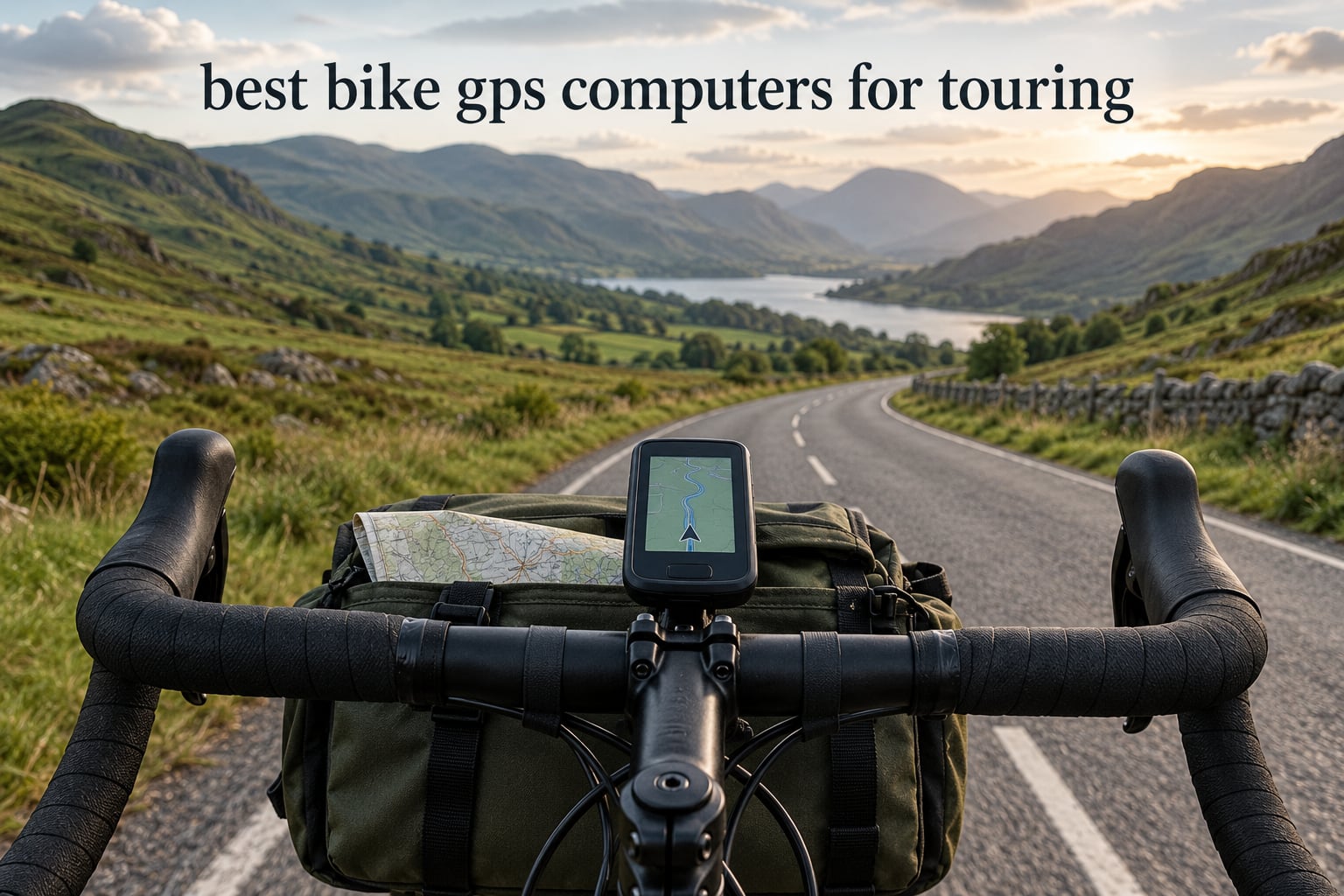
The best bike GPS computer for touring is the Garmin Edge 1040. It pairs multi-band GNSS with full on-device maps and a rated 35 hours of demanding-use battery, so a single charge covers most multi-day legs. The Wahoo ELEMNT ROAM V3 is the runner-up if you want spoken prompts and full button control in the rain, and the Garmin Edge 540 is the value pick for riders who want flagship behaviour on a smaller body.
Touring is the one riding style where a bike computer stops being a toy and becomes infrastructure. Your phone is your map, your ticket home and your camera, and on a long day out it goes flat by mid-afternoon with no socket in sight. A head unit keeps working, keeps navigating with no cellular signal, and keeps recording the day when the battery in your jersey pocket is long gone.
We spent weeks riding with all ten devices below across loaded-bar setups, wet gravel, and multi-day loops, comparing them on the things that decide a trip: days per charge, offline map coverage, glove and rain operation, and how well they hold a signal in the places GPS usually gives up. Prices move constantly, so use the buttons below to check current listings rather than trusting a number printed on a page.
Before a trip goes anywhere, the bike itself has to be stored properly between rides. Our guides on freestanding bike storage racks and bike wall mounts cover the at-home half of that, and this guide covers what you strap to the bars once you are rolling.


| Product | Specifications | Action |
|---|---|---|
| Garmin Edge 1040 |
|
Check Latest Price |
 Hammerhead Karoo Hammerhead Karoo |
|
Check Latest Price |
| Wahoo ELEMNT ROAM V3 |
|
Check Latest Price |
| Garmin Edge 540 |
|
Check Latest Price |
 Bryton Rider S810 E Bryton Rider S810 E |
|
Check Latest Price |
 Garmin Edge Explore 2 Garmin Edge Explore 2 |
|
Check Latest Price |
 iGPSPORT BiNavi iGPSPORT BiNavi |
|
Check Latest Price |
 Wahoo ELEMNT ACE Wahoo ELEMNT ACE |
|
Check Latest Price |
 iGPSPORT BSC300T iGPSPORT BSC300T |
|
Check Latest Price |
 Magene C506 Magene C506 |
|
Check Latest Price |
3.5-inch color touchscreen
Multi-band GNSS
35 hours demanding use, 70 in saver
4.4 ounces
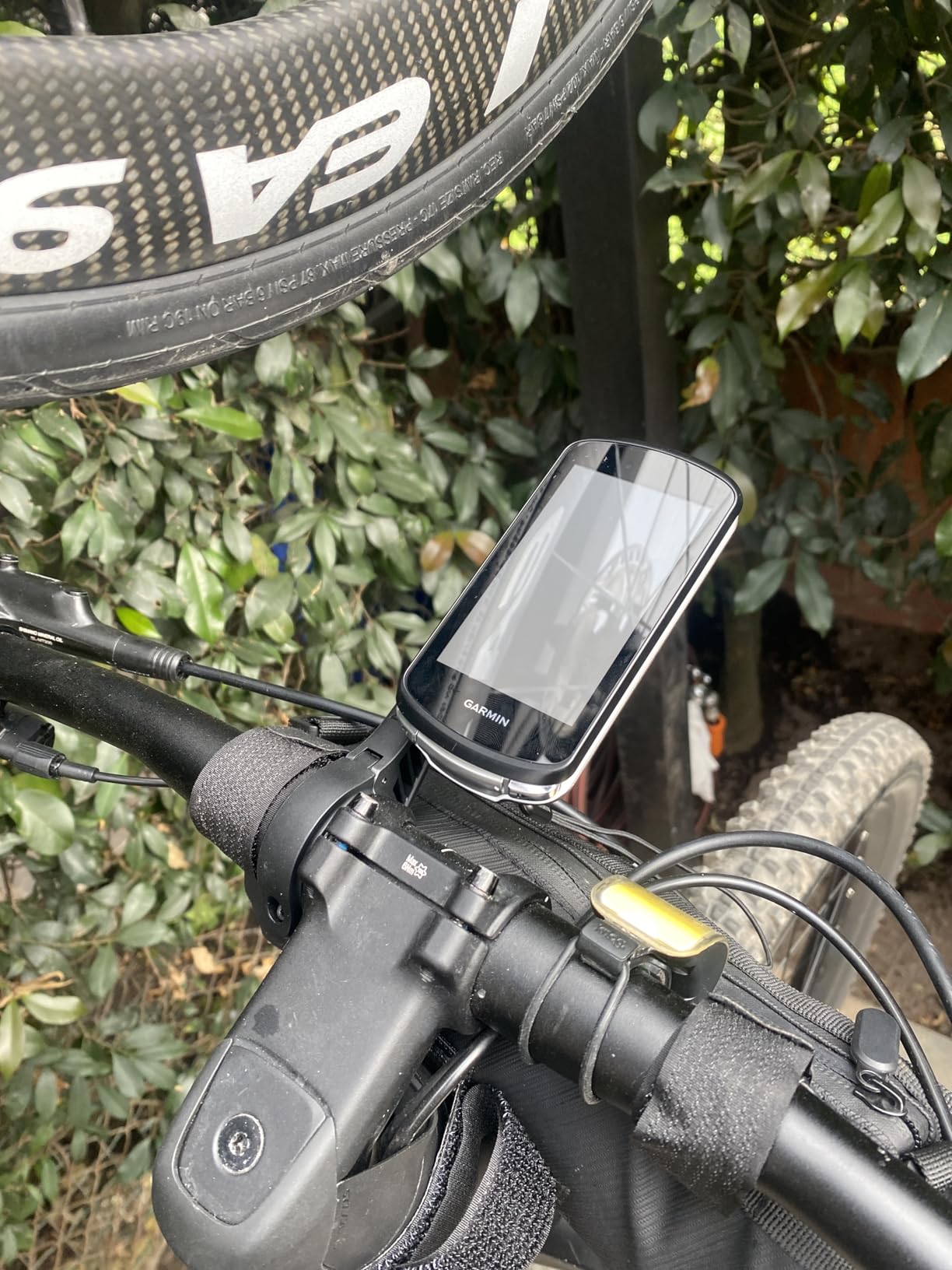
I picked the Edge 1040 as the touring winner because it solves the three problems that actually end trips: it holds a signal, it holds a charge, and it holds maps on the device. Multi-band GNSS keeps a clean track through gorge country and under heavy canopy where a single-band unit wanders onto the road you were trying to avoid.
Battery is the headline for touring specifically. Thirty-five hours in demanding use covers a two-day trip at typical touring hours, and battery saver mode stretches that to 70 hours for riders willing to give up some backlight and mapping detail. The box includes a flush out-front mount and a standard mount, a speed sensor, a cadence sensor and a heart rate monitor, which is more than most competitors at this level bundle.
Ride type-specific maps highlight popular roads and trails and let you search points of interest for water, food and campsites without a phone connection. Stamina and power guide features are aimed at training rather than touring, but the cycling classification and course demand views are genuinely useful when you want to know how hard a day is going to be.
Two things keep it from being flawless on a tour. The 3.5-inch screen is on the small side next to the newest devices, and a capacitive touchscreen in steady rain with wet gloves is a fiddly combination. Riders who ride in real weather more often than they race may prefer the button-heavy ELEMNT ROAM V3 below.
On a typical touring day of 8 to 10 hours in the saddle, the Edge 1040 finishes most two-day legs with charge still in the tank. That headroom is what lets you keep the screen at normal brightness, keep turn prompts audible and still have a reserve for a detour that adds hours.
The included out-front mount holds position on a loaded handlebar where vibration from gravel is constant, and the standard mount gives you a lower profile option when the bar bag comes out.
If your trips are weekend-only and never cross a border, the Edge Explore 2 covers the basics with a gentler learning curve. If you want spoken directions so you can keep your eyes on a wet road, the Wahoo unit below is the stronger match.
It is also worth being clear that the map content you get is regional. Tourers who ride across borders should check which map regions are included before they rely on it, and carry a backup plan in case a track does not match the road in front of them.
3.2-inch LCD
Buttons plus touchscreen
Multi-band GNSS
15-hour battery
The Karoo is the unit I reach for when the day is about the map rather than the data. The hardware and software design are unusually restrained, and nothing competes for your attention while you are trying to read a junction in a foreign language.
Multi-band GNSS tracks accurately from city centres to rough trails, and the generous internal memory means maps render fast when you zoom out to decide between the coast road and the hill road. For riders running SRAM AXS or an e-bike, the native integration is a genuine convenience rather than a novelty.
Battery is the problem on a tour. Fifteen rated hours means an overnight charge for most riders, and expedition-style trips where you cannot recharge are exactly where that hurts. Plan on carrying a power bank or charging at the last stop of the day rather than hoping the internal battery covers an unknown route.
The listed weight of 0.41 kg covers the full retail package. Even so the unit looks noticeably bigger on the bars than the compact Garmin and iGPSPORT options below, and if handlebar space is tight because your bag is in the way, that matters.
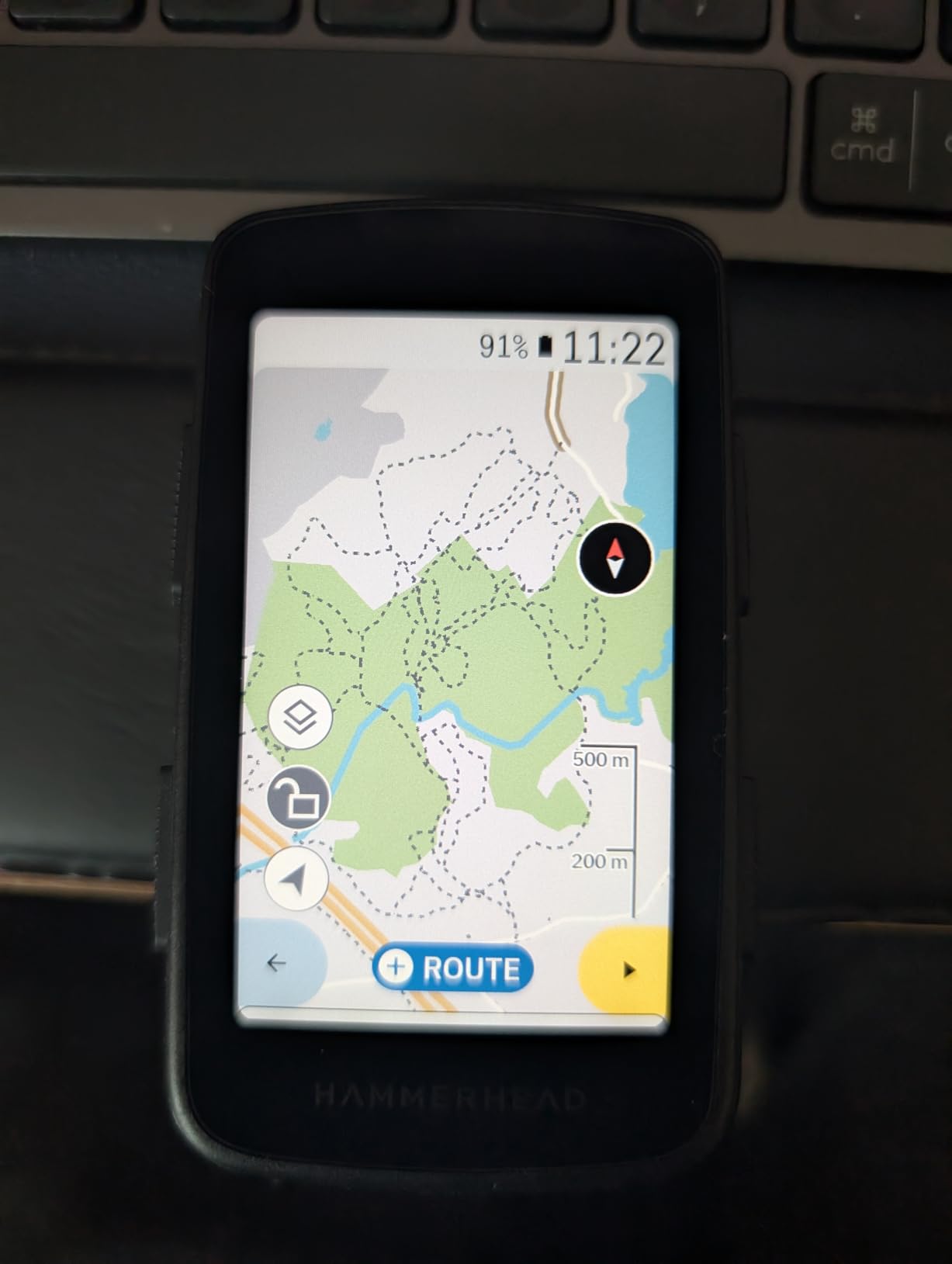
The map interface reduces the cognitive load of navigation, which is worth a great deal when you are tired, cold and reading place names you have never seen. Ample storage also means you can load a whole region rather than a thin corridor around your planned route.
If your touring is day rides from a fixed base, the battery number stops mattering and the Karoo becomes one of the best navigation experiences available.
Multi-day riding without mains power is where the 15-hour rating becomes a hard constraint. Riders doing week-long trips should budget for charging every night or carry a battery bank.
The smaller support ecosystem also means fewer community map packs and less troubleshooting help when something goes wrong far from home.
2.8-inch LCD at 480x800
Buttons plus touchscreen
IPX7
25 hours, 109 g
On a wet loaded bike, the thing that matters is whether you can hit the right control without looking. The ELEMNT ROAM V3 keeps buttons for all key functions alongside the touchscreen, which is the reason it works with gloves on and still functions when a screen is beaded with water.
Battery life is strong for the class. One rider reported finishing a 14-hour, 200-mile day with roughly half the charge still showing, which is the kind of margin a tourer wants. Dual-band GPS covering GPS, GLONASS, BEIDOU, Galileo, QZSS, SBAS and NavIC held accuracy in dense forest and urban settings in testing.
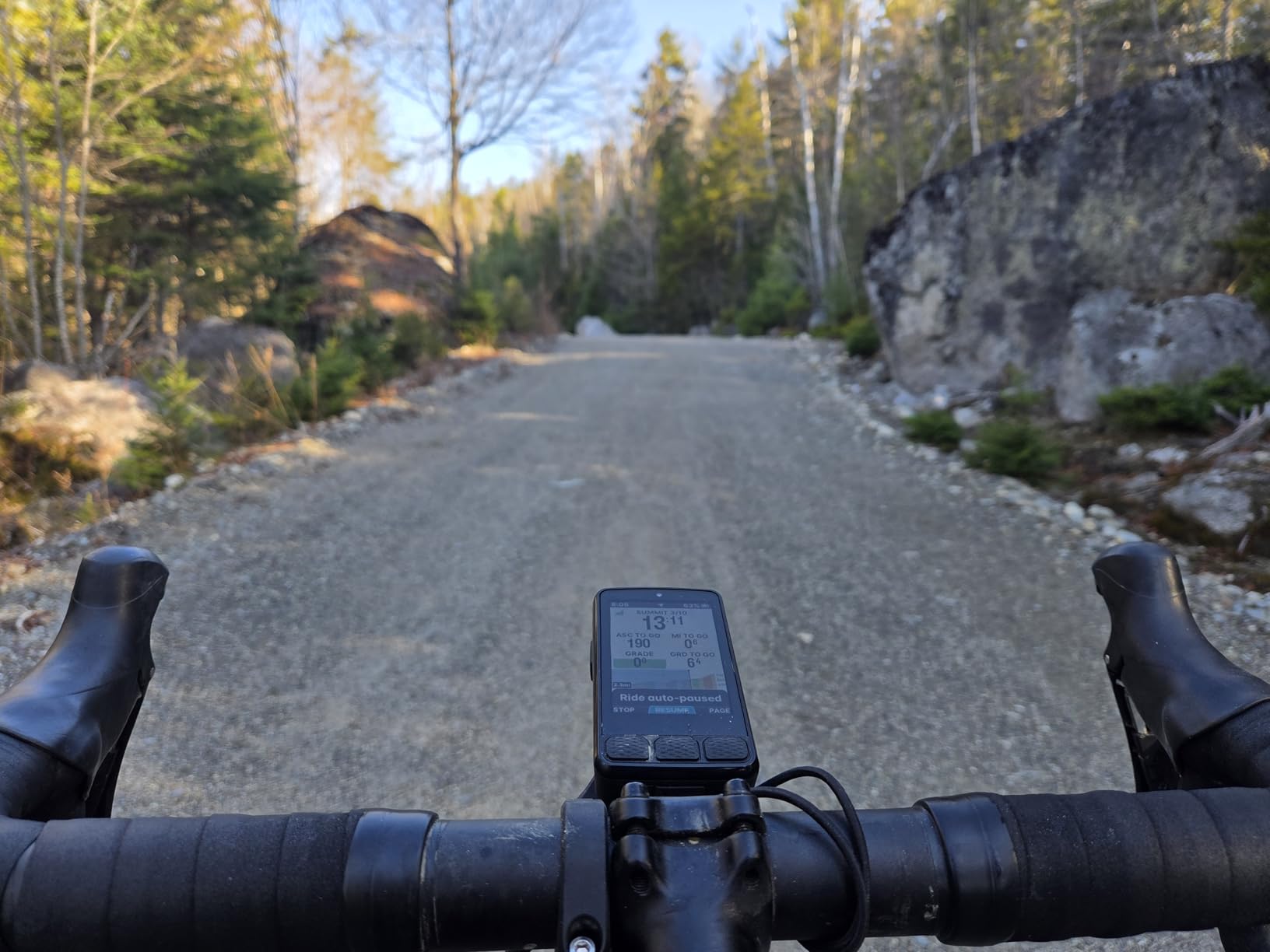
Spoken turn-by-turn directions are more useful than beeps because you can keep your eyes up. The clock and battery level stay permanently visible, so nobody is guessing whether there is enough charge to reach the next water stop.
Climb mode shows how far up a hill you are and which sections are hardest, which helps on long climbs where pacing is the whole game. Automatic prompts work for GPX, TCX, Strava, Ride with GPS and Komoot routes.
The reliability complaints are worth weighing honestly. Owners report slow app syncing, failed phone pairing on some devices, and occasional mid-ride crashes or false off-course prompts on very long days. If your tour depends on flawless navigation, treat those as a real risk rather than a footnote.
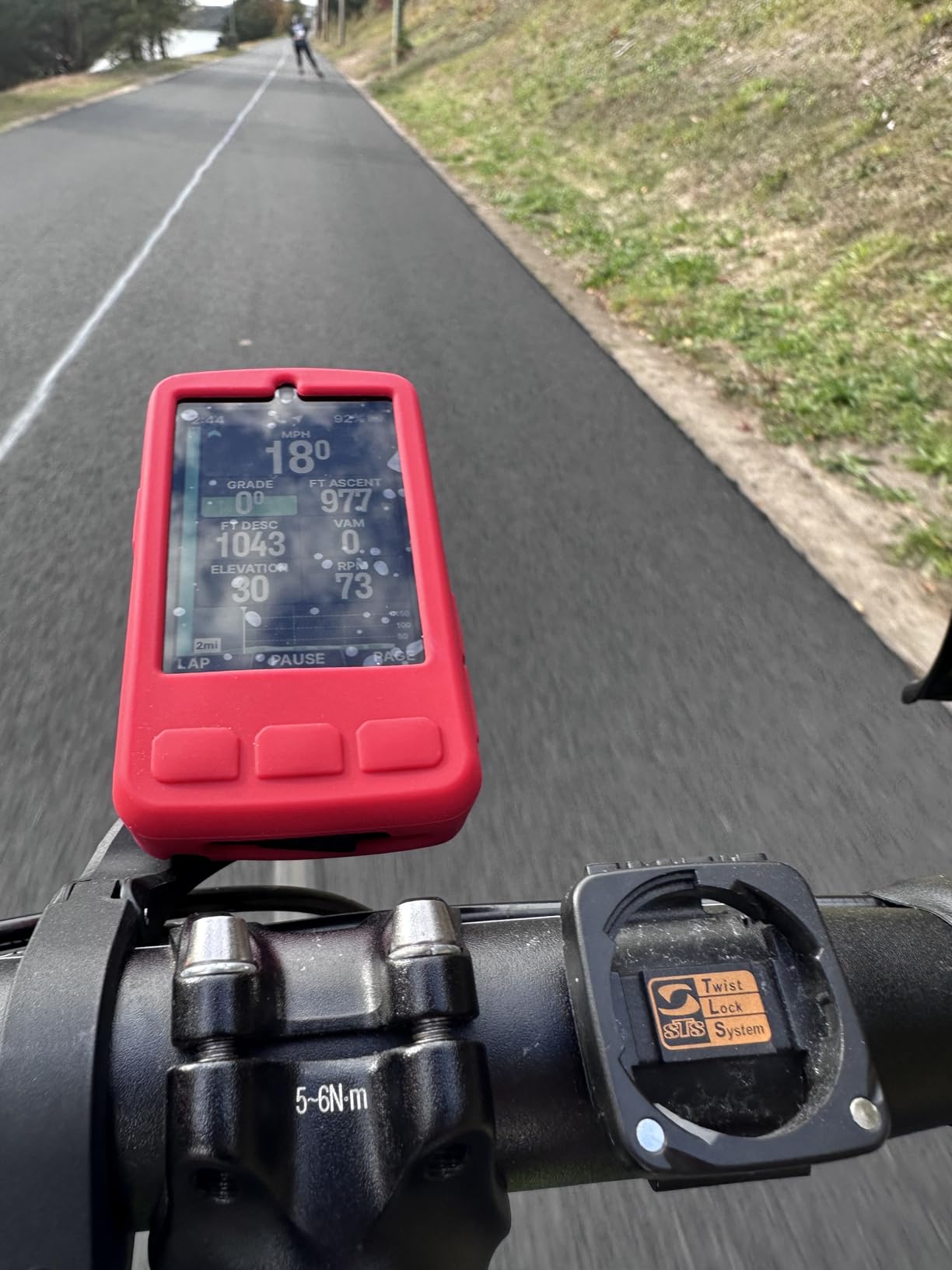
IPX7 rating means rain, mud and a handlebar wash are not a threat. Buttons give you complete control with wet gloves, and the 109 g body is light enough to notice on a multi-day climb.
Out-of-box it arrives with an integrated out-front mount, a stem mount and zip ties, so you can mount it either way without buying another bracket.
Auto-brightness can dim the screen too aggressively in shadow, which is a real problem on a tree-lined route or when you are wearing sunglasses. Voice prompts are also terse and hard to hear at maximum volume in heavy wind.
Wahoo still has no in-app route builder, so route creation has to happen in Komoot, Ride with GPS or Strava first, then sync across.
2.6-inch LCD at 246x322
Button-only control
26 hours, 42 in saver
16 GB storage
The Edge 540 delivers the parts of the Garmin experience that matter on tour without the flagship body around it. Multi-band GNSS locks satellites quickly and tracks accurately even under tree cover, which is where the cheap alternatives tend to drift onto the parallel road.
Button-only operation is the quiet hero of this device. On a wet handlebar with numb fingers, physical buttons never misfire, and ClimbPro gives you an ascent profile without needing a preloaded course, which is helpful when the plan is simply to ride until the light goes.
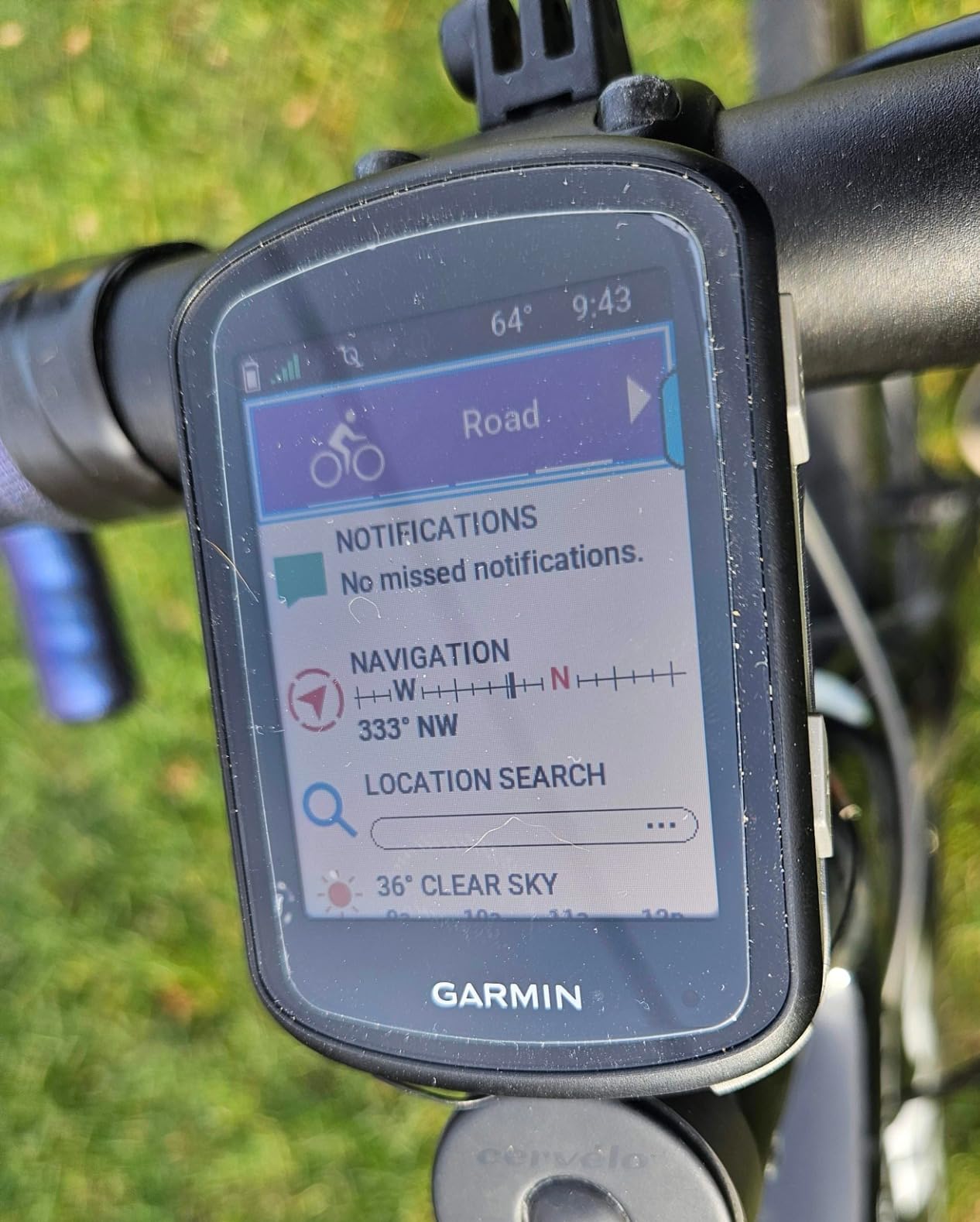
Sixteen gigabytes of internal storage is enough to hold a region plus your routes, and connectivity covers Bluetooth, Wi-Fi and USB. It pairs cleanly with heart rate straps, speed and cadence sensors and Varia radar for group touring.
The 2.8-ounce body is one of the lighter options here.
Setup through Garmin Connect is the main hurdle for newcomers and takes a few goes to feel natural. Some buyers also report a device that needed to be fully powered down after a ride, or an occasional defective one that would not power on or pair correctly.
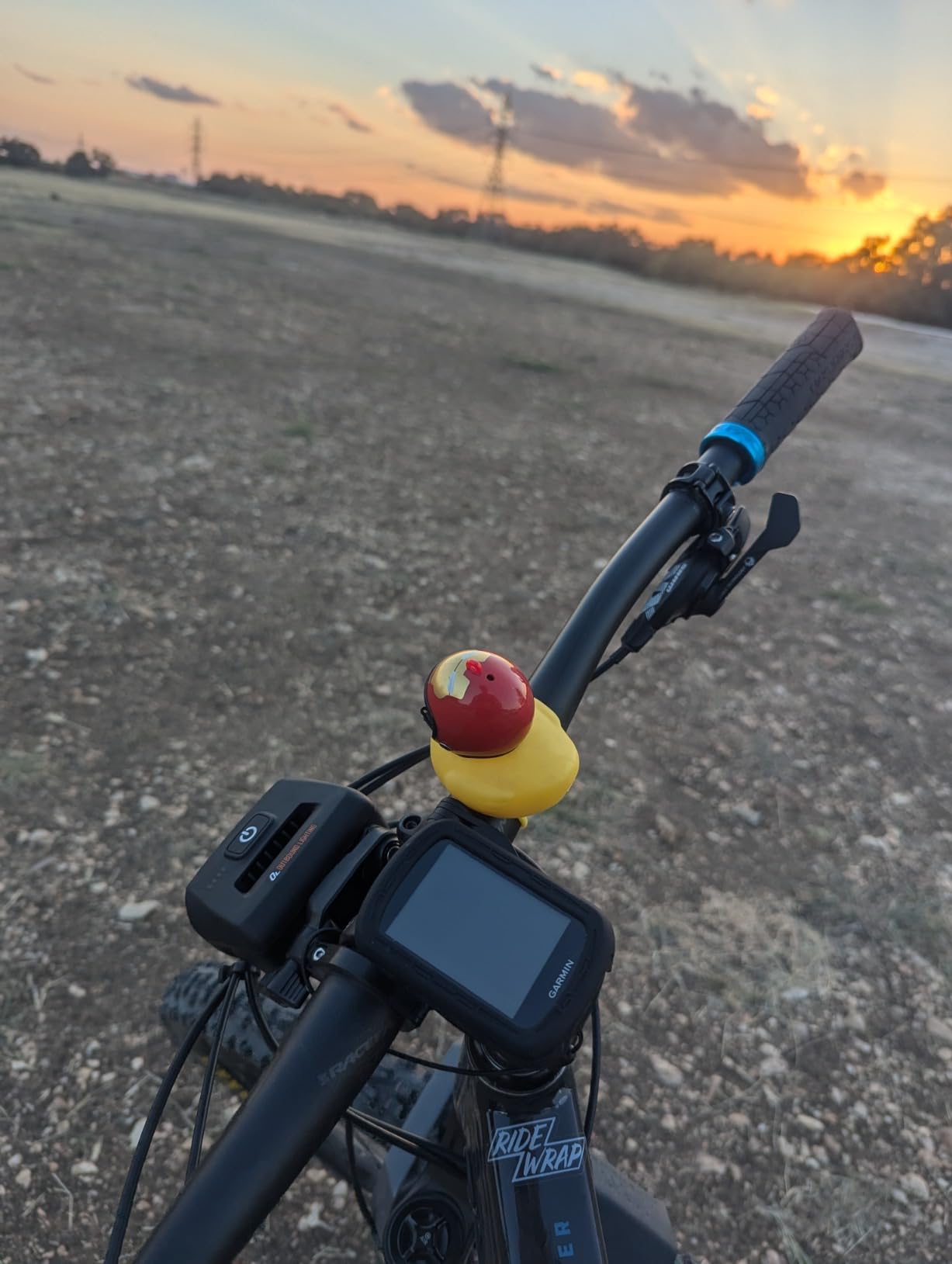
Battery saver mode plus buttons plus a light body is a combination you rarely see together. Riders doing six to eight hours a day will charge it every second evening at worst.
Cyclist classification, power guide and stamina features are aimed at training, but on a loaded tour bike they mostly sit idle, which is fine.
The 2.6-inch screen limits how many data fields stay readable, so if you want to glance at a map and a full dashboard without switching pages, the 3.5-inch units below are better.
Climb detection lags by roughly 5 to 10 seconds when entering and leaving a climb, which is noticeable if you are pacing strictly to the profile.
3.5-inch capacitive touchscreen
50-hour battery
Wi-Fi and Bluetooth
116 g
On paper this is the unit that answers the battery question most convincingly. A rated 50 hours means roughly five or six typical touring days between charges, which changes the whole shape of trip planning when you are crossing countries with no reliable mains power.
Recalculation is accurate when roads change, which is the single most important navigation behaviour on a tour where the planned track was drawn by someone who never saw your detour. GPX files import smoothly from Komoot and other ride apps, and live tracking lets friends follow your position on long days.
The 3.5-inch capacitive touchscreen is responsive and readable at speed, and the 116 g body is not unreasonable for a screen of that size.
The catch is map region. Europe is the listed map region, so riders touring elsewhere may need extra map data and should confirm what is loaded before they leave. The ecosystem is also smaller than Garmin or Wahoo, which shows up when you want community map packs or help.
Roughly 50 rated hours removes the nightly charging ritual entirely for most riders. You charge when you want to, not when you must, which means less time spent hunting for a socket in a village cafe.
Wi-Fi connectivity also means map and firmware work happens indoors at a campsite cafe rather than through a phone hotspot in the rain.
If you are touring outside Europe, verify map coverage for your countries first. A long battery is worthless if the routing data is not there.
Riders already invested in a large Garmin or Wahoo sensor setup will find fewer compatible accessories and a thinner support network.
3-inch glove-friendly touchscreen
16 GB storage
LiveTrack and incident detection
4.1 ounces
The Explore 2 is the Garmin we suggest to riders who have never used a head unit before. It is quick to set up, reads clearly in sunlight and rain, and comes with road, off-road and indoor profiles already loaded.
For group touring, its safety features matter more than any training metric. LiveTrack, GroupTrack, rider-to-rider messaging and incident detection all run when it is paired with a phone, so your riding partner can see where you are on a long day out.
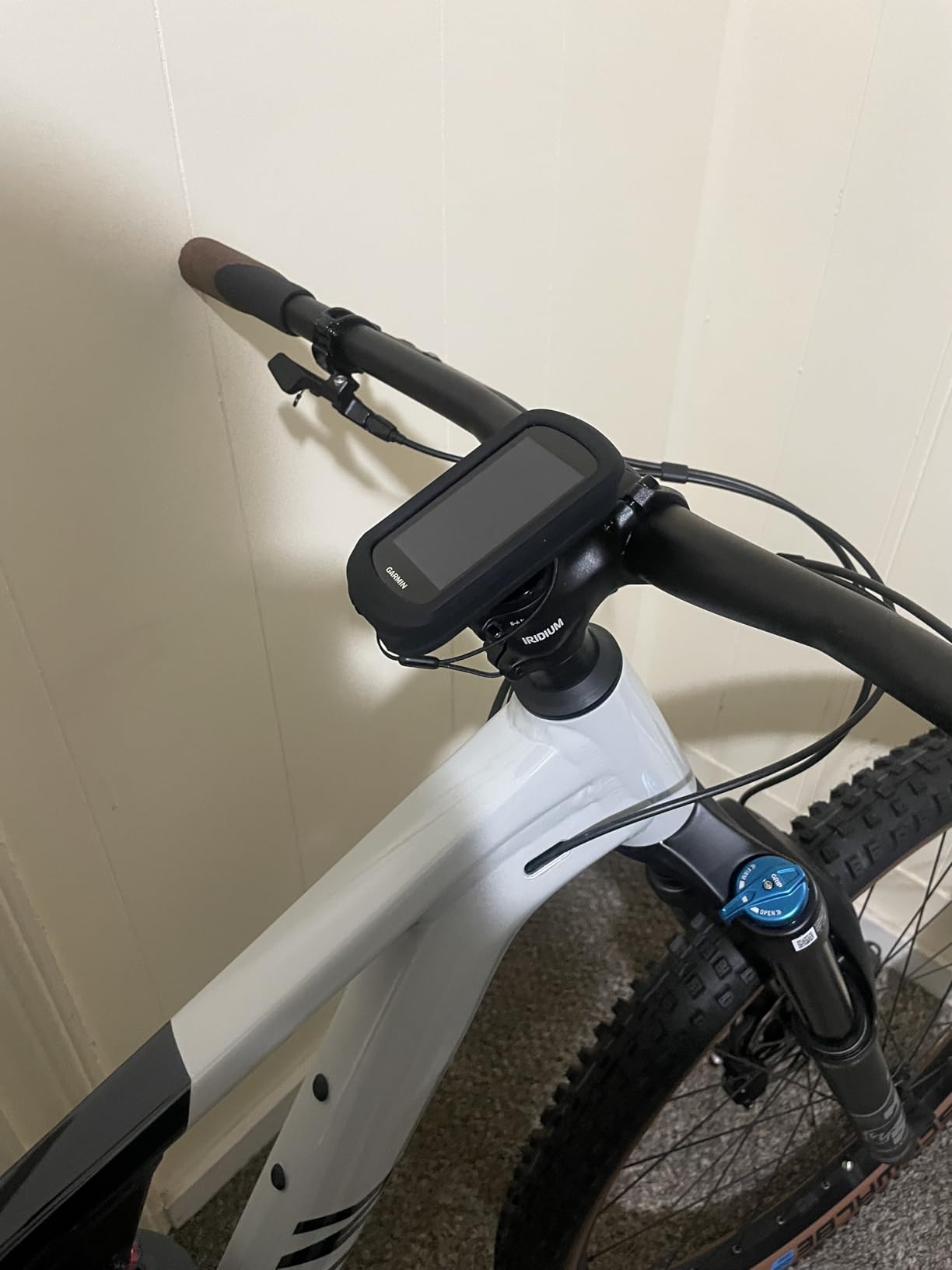
High-traffic road overlays nudge routing toward quieter alternatives, and ride type-specific maps give you searchable points of interest. If you ride an e-bike, it shows battery status, assist level and remaining range.
The 16-hour battery is the limitation that decides who should buy it. It covers a long day ride with margin, but a two-day trip means charging every night, and expedition-style riding without power is out of its range.
At 4.1 ounces it is one of the lightest here, and 16 GB of storage is enough for a region rather than a thin corridor.
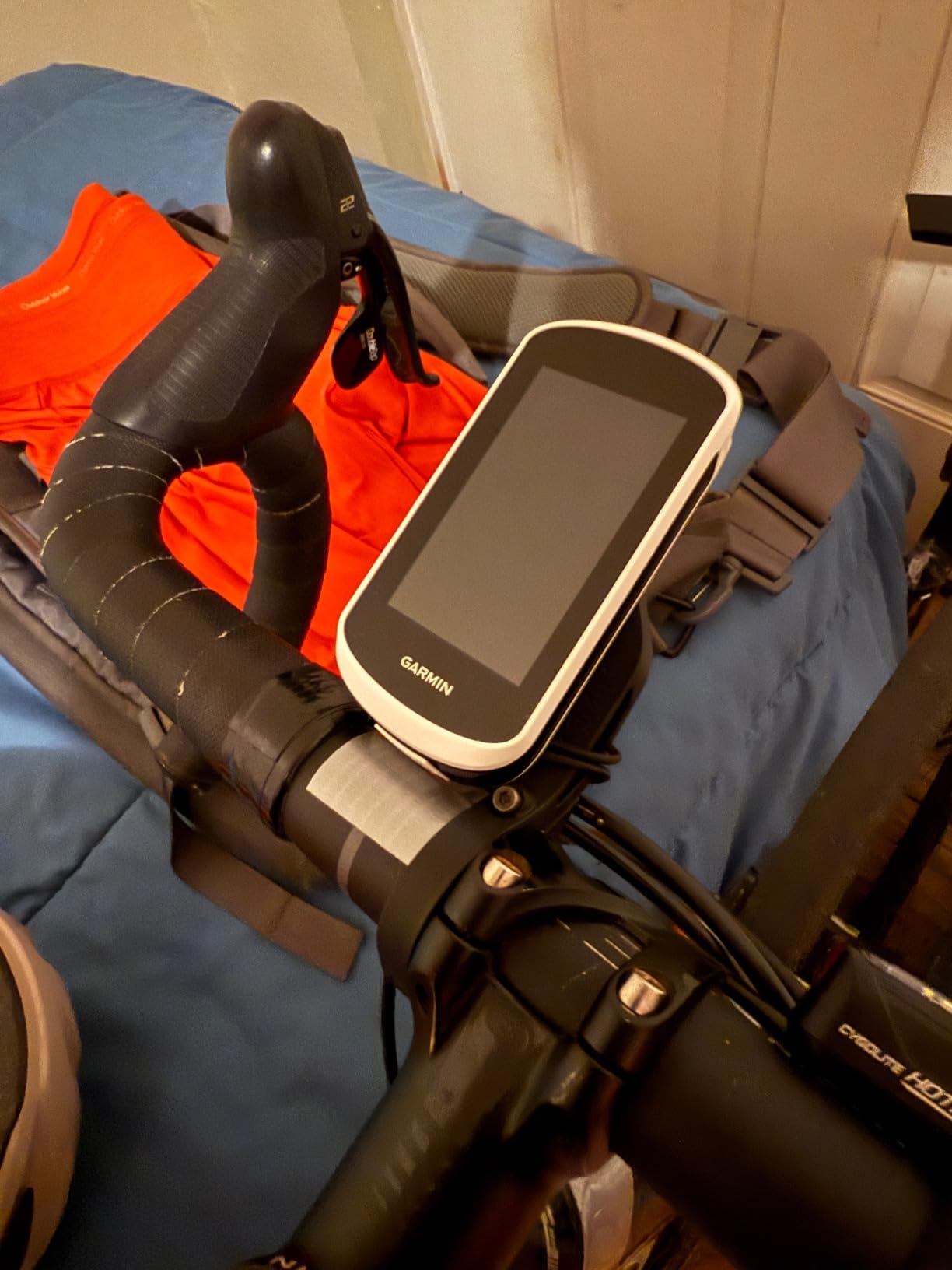
Nothing about the interface needs explaining, and the profiles are preloaded so you can ride before you finish configuring anything. That matters when you are standing in a car park in the rain with a phone at four percent.
The safety feature set is the strongest argument for group riders here, because incident detection does something no amount of battery capacity can.
Anyone doing multi-day trips without a nightly charge should look at the 25-hour and above options earlier in this list.
The map interface is simpler and harder to read than newer Garmin models, so riders who navigate by map rather than by turn prompts will feel the difference.
3.5-inch color touchscreen
32 GB storage
35-hour battery
103 g
The BiNavi is the one we kept reaching for on bikepacking trips where the route is half improvisation. Thirty-two gigabytes of storage is the largest map allowance among the units with a published figure, so you can load several countries before leaving rather than trimming one corridor at a time.
Positioning covers GLONASS, GPS, Galileo and QZSS on a dual-band setup, which held up on the roads where single-band devices struggled. One owner reported that about 20 hours of riding used roughly 60 percent of a charge, which lines up with the 35-hour rating.
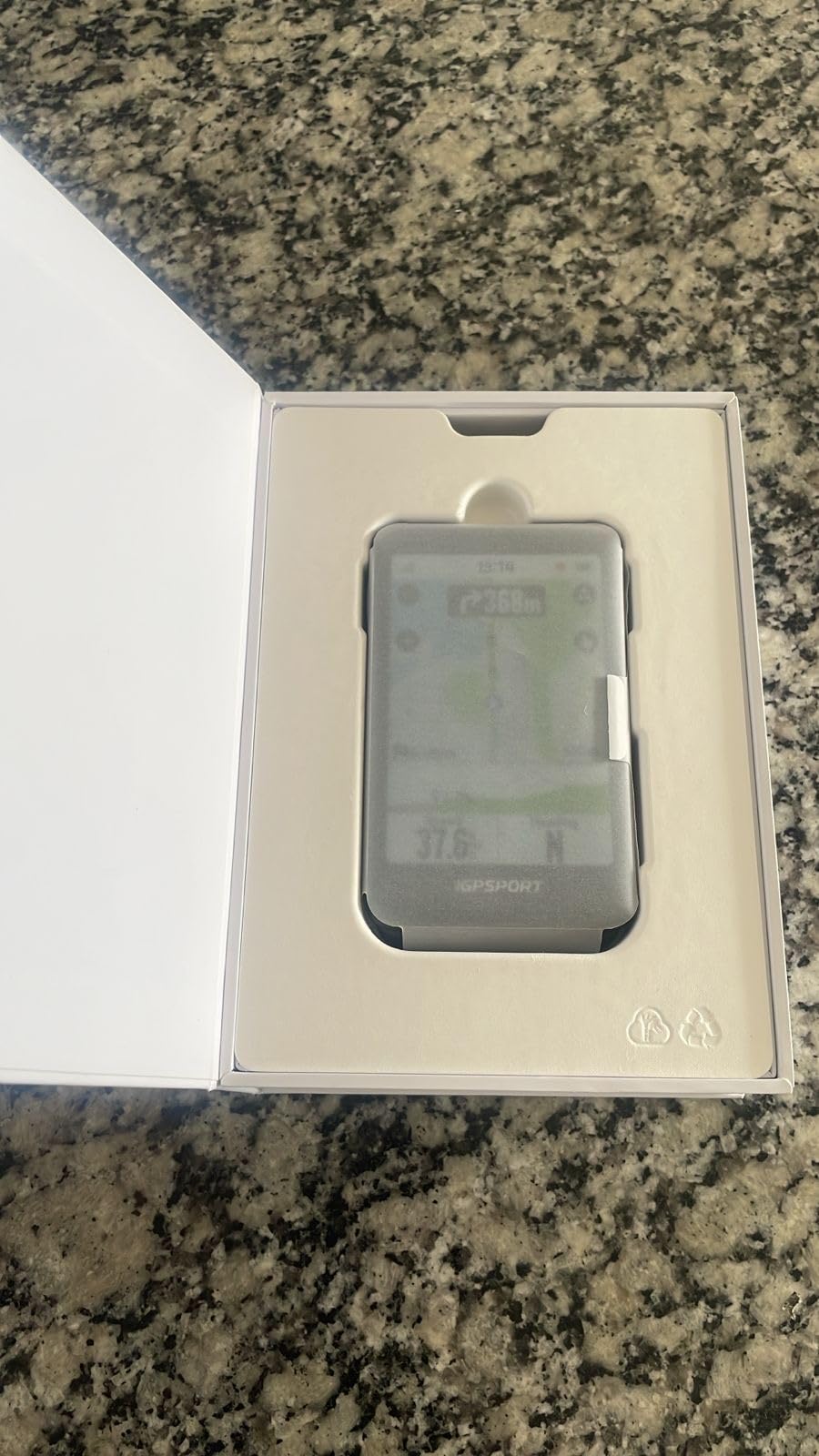
Continue-last-ride is an underrated feature for touring. If the unit dies or gets powered off at camp, it resumes the interrupted activity instead of starting an empty one, and that function reportedly survived nightly power cycling across a 320-mile, five-day trip.
It also re-guides you back on course after a detour and can route you to the start point, plus there is music control from your phone and saved point navigation to locations you have already stored.
Rerouting is where it loses points. It is slow, it locks the interface while it works, and loading navigation after you have already started can be buggy. Plan your route before you roll rather than improvising on the device.
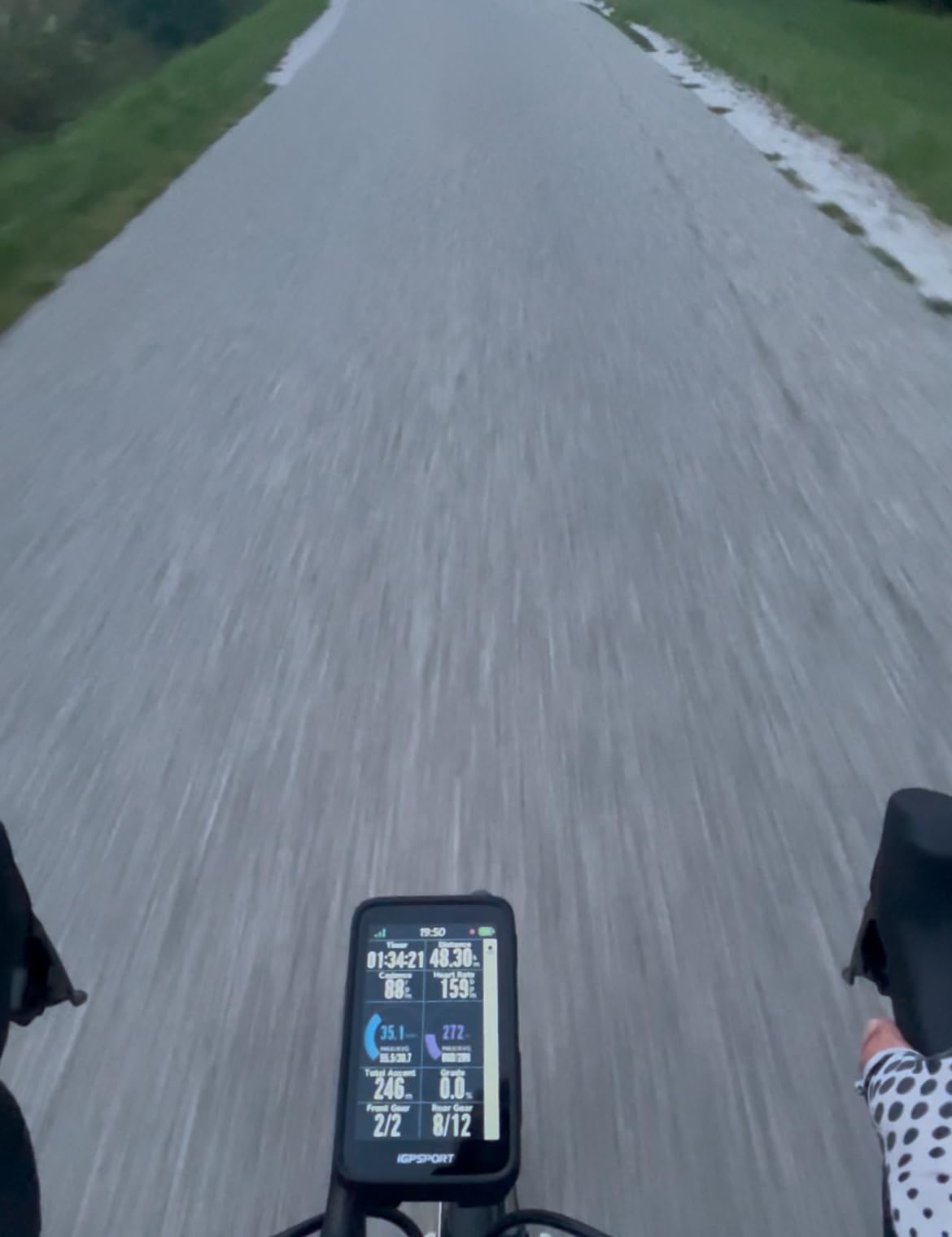
Loading a whole region matters when your plan is a target and not a track. With 32 GB on board, exploration off the planned line does not mean a dead end.
The 103 g body is light for a 3.5-inch screen, lighter than the other 3.5-inch device in this roundup, which matters on a fully loaded bike.
If you rely on automatic rerouting to save the day, this is the wrong device. The wait can be long and the screen stays locked while it happens.
The screen is worth protecting. One owner cracked it without crashing or dropping the unit, and the included screen film exists for a reason.
3.8-inch LCD at 480x800
Buttons plus touch
IPX7
30 hours, 208 g
The ACE has a 3.8-inch screen, the largest here, and that size changes what you can do with a route while moving. Press, pinch and swipe handling makes it easy to look at a section of a coast road without guessing where you are on it.
Pressure-sensor aero awareness gives live AirBoost and AirDrag readings while riding, and post-ride Wahoo Wind Dynamics adds a wind analysis afterwards. The post-ride summary separating moving time from paused time is one of those small features riders end up relying on daily.
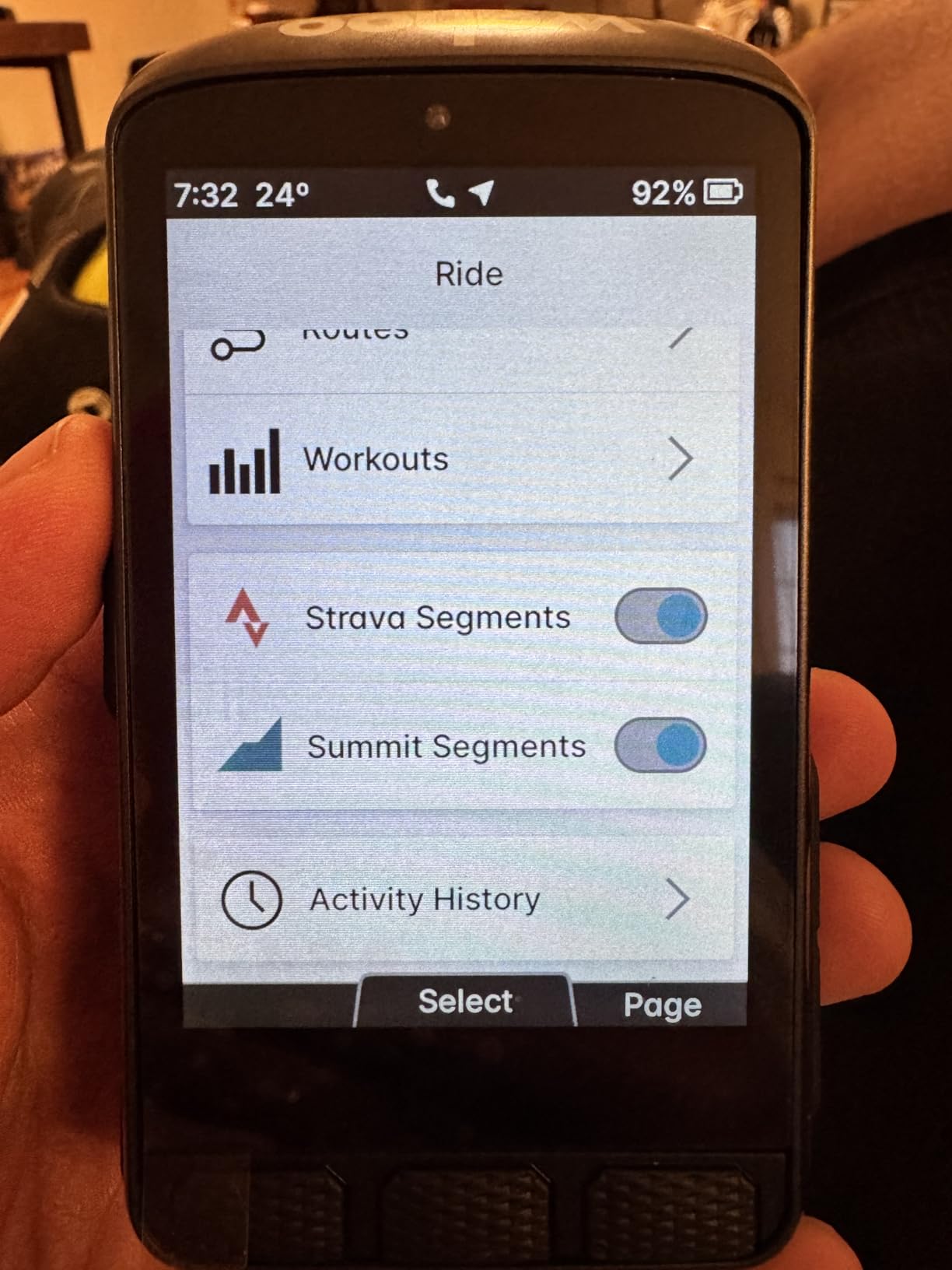
Rated battery life is 30 hours with an IPX7 rating, so weather is not a concern. Sensor discovery and pairing is fast, the digital bike bell and hill profile round out the feature set, and Komoot syncing and Wahoo radar integration both work well.
At 208 g this is the heaviest computer in this roundup, and the physical size is difficult on a narrow touring bar with a bag in the way. Screen contrast is weaker than the smaller Roam, and glare is minimal but readability still suffers in flat light.
Map navigation is genuinely awkward. A horizontal swipe intended to pan the map can switch pages instead, which is frustrating when you are checking a detour. Setup was also buggy on at least some devices and needed tech support to resolve.
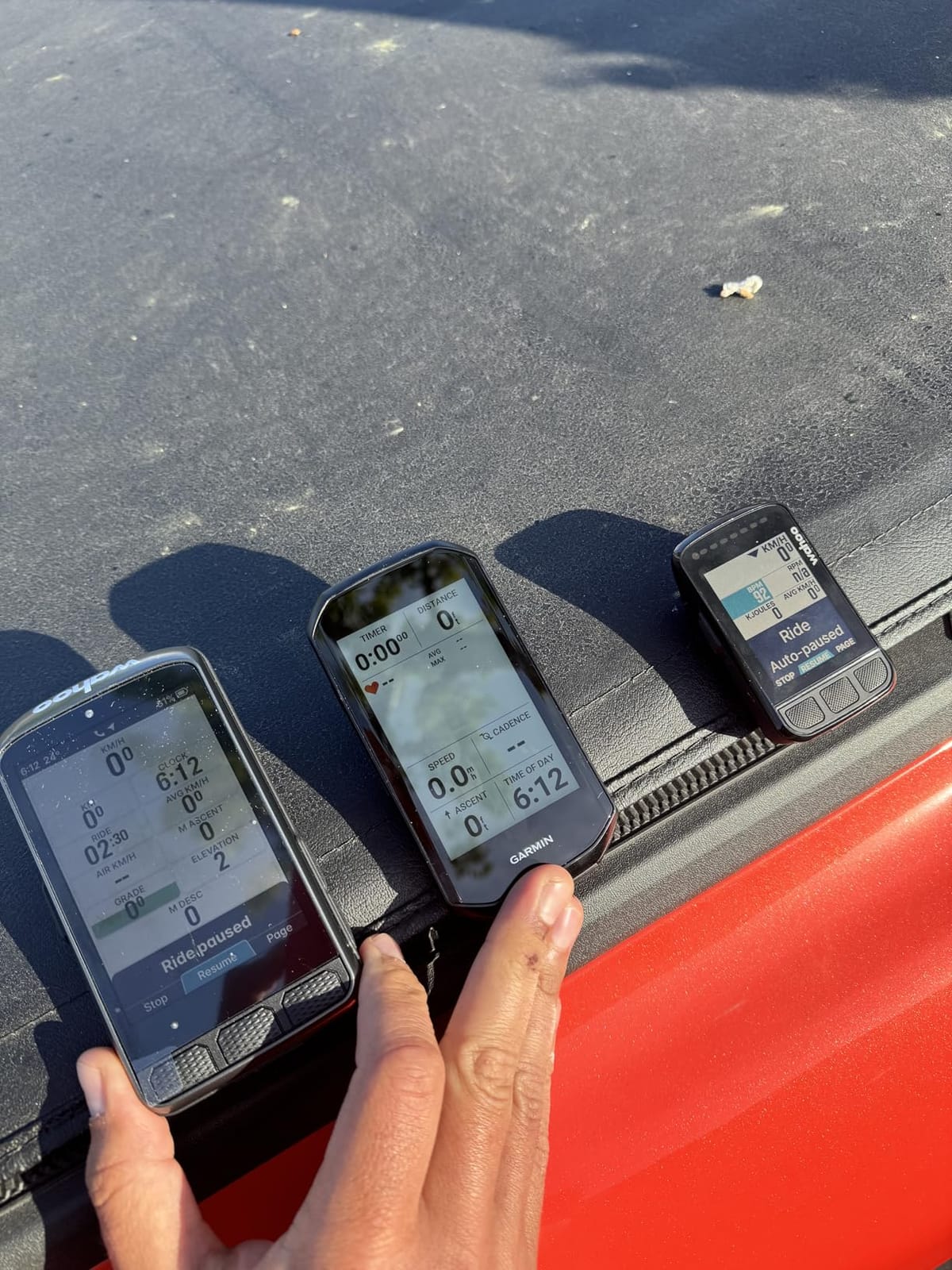
The post-ride breakdown is the strongest argument here. Separating moving time from stopped time makes a day of touring readable in a way most units do not, and the wind data gives a rough sense of what the legs actually cost.
The 3.8-inch screen also makes a good map reference at rest, at camp, when you are planning the next day.
Weight is the dealbreaker for loaded touring. Every gram sits on the front wheel, and 208 g plus a bulky mount on a narrow bar is a lot for a feature set you get elsewhere lighter.
If you navigate by panning the map mid-ride, the page-switching behaviour will frustrate you long before the battery does.
2.4-inch touchscreen plus buttons
67 g
Worldwide offline maps
20 hours, 8 GB
Sixty-seven grams makes the BSC300T the lightest navigation computer here, and worldwide offline map download is a genuinely useful thing to carry in a saddle bag as backup for the day your main device fails or runs flat.
The off-course warning keeps prompting until you are back on the route, which is a better behaviour than silence. Five-satellite coverage across GPS, Beidou, GLONASS, Galileo and QZSS gives fast fixes, and ANT+ plus Bluetooth 5.0 covers sensors, e-bikes and smart trainers.
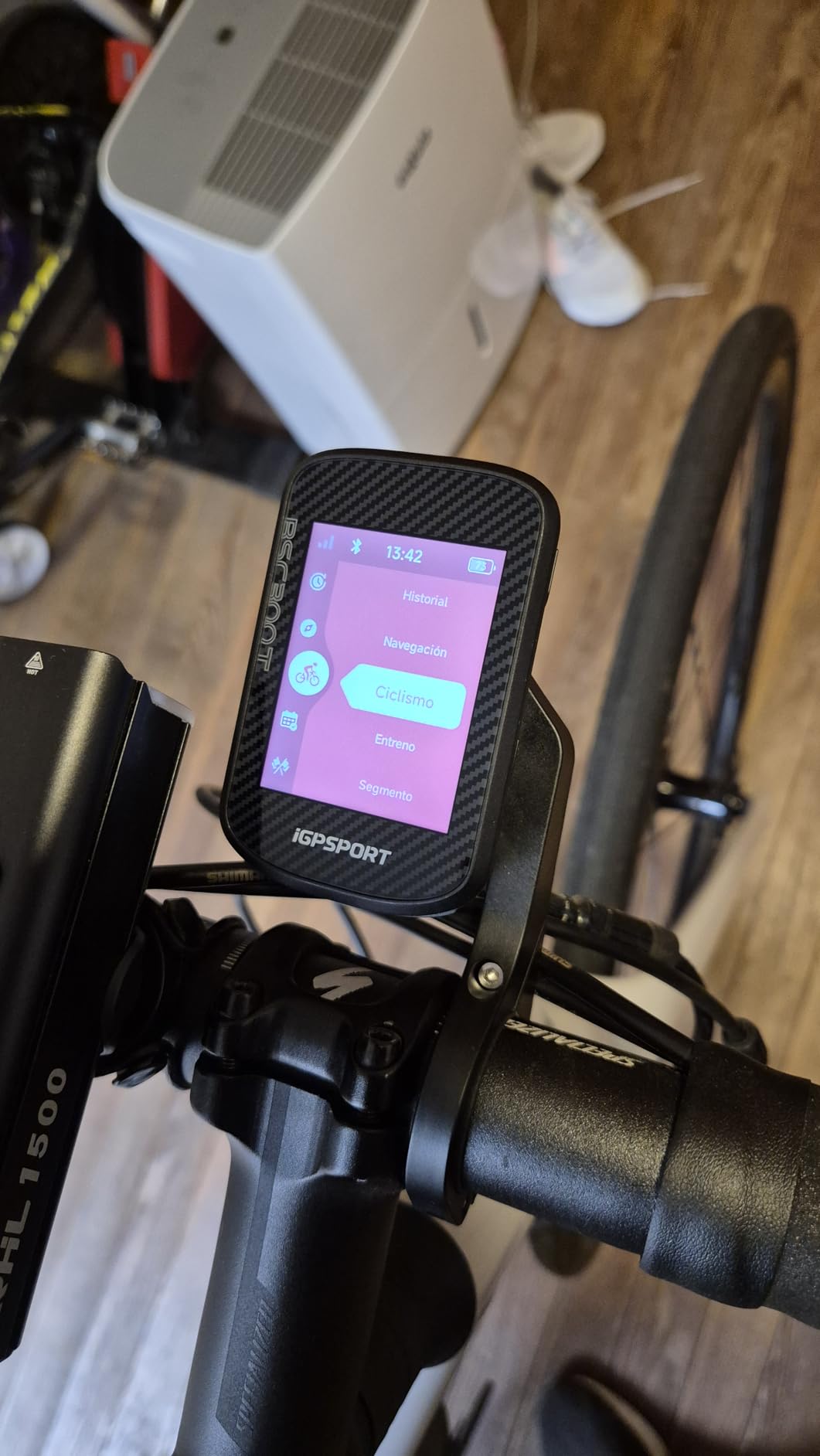
Over 130 data fields is far more than most touring riders need, and real-time teammate tracking works for group days. Automatic Strava and Komoot sharing through the app means you do not have to remember to upload anything.
The 20-hour battery is modest for multi-day use but fine as a backup for a single long day. Eight gigabytes of storage limits map detail, and there is no loudspeaker voice navigation on this model.
One practical note: the Type-C charging cable is not in the box. Budget for that before a trip.
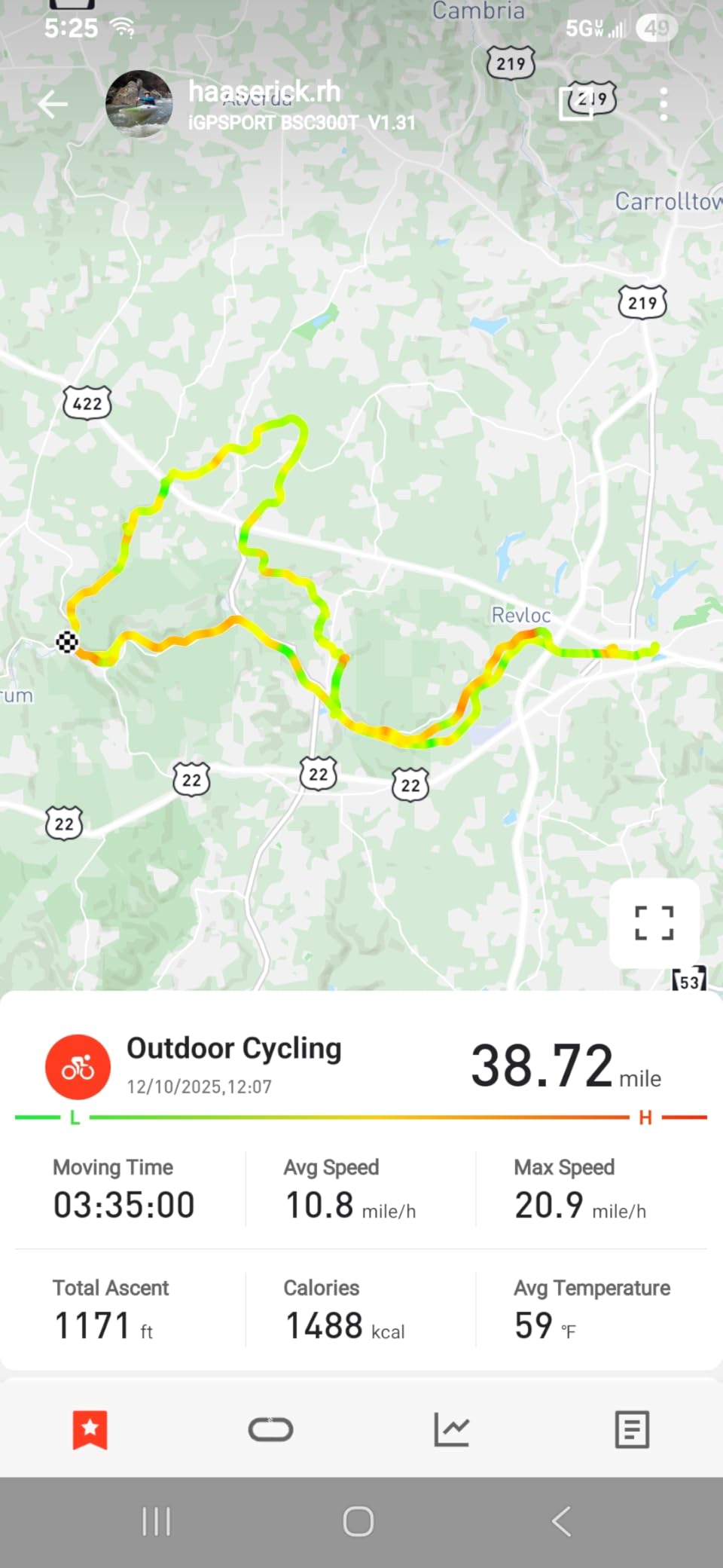
A cheap backup head unit in the bar bag means a dead primary does not end navigation. It also works as a cheap second screen for group riding without buying another expensive unit.
With global maps on board and 67 g of weight, it costs you almost nothing to carry.
Eight gigabytes is the real limit. Detailed regional map packs will not fit, so this is a breadcrumb-and-corridor device more than a full-map navigator.
Twenty hours is short for multi-day touring as a primary unit, and the small screen restricts how many data fields stay legible at once.
2.4-inch color touchscreen
76 g
Wi-Fi and Bluetooth
24 hours endurance mode
The C506 is an affordable way to get real turn-by-turn navigation with global maps into your kit, and the 2.4-inch color touchscreen at 76 g is a good combination of readable and light.
Wi-Fi sync is the quiet advantage. Uploads and map downloads go over Wi-Fi rather than Bluetooth, and the Airoha chipset delivers a position fix in roughly five seconds, which means you are not standing at a roadside waiting for satellites.
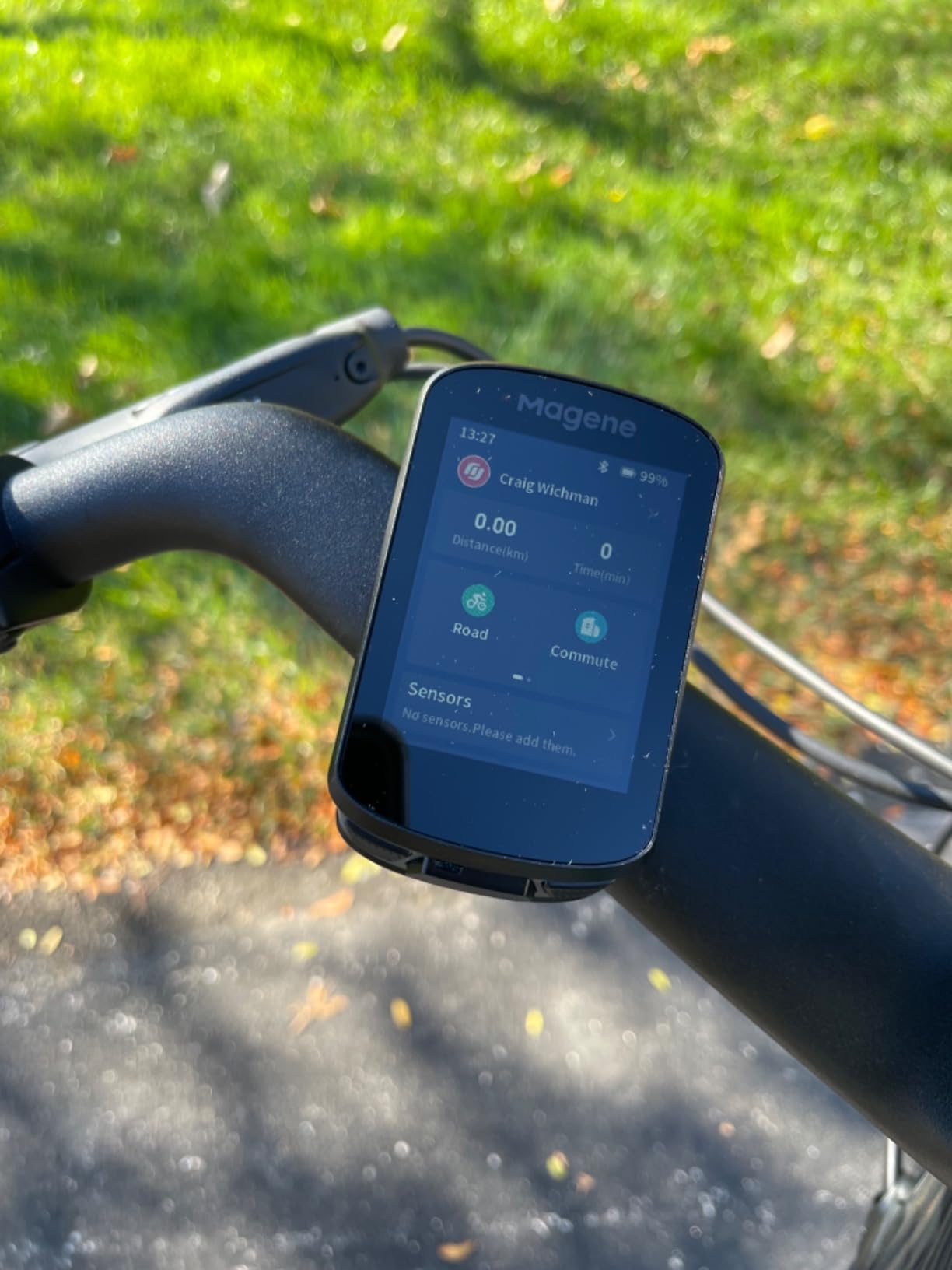
Free global map downloads and GPX upload from ride apps give you real routing without a subscription. Connectivity covers nine device types including Di2 and SRAM eTap shifting, radar lights and power meters, and the smart riding assistant controls Magene tail lights without a phone in the loop.
Twenty-four hours in endurance mode covers a long touring day with margin. Warranty cover is one year.
The setup is the weak point. Wi-Fi has to be configured in the app before maps can be pulled on the device, and the flow confuses a lot of first-time owners. The touchscreen occasionally needs a second press, and the app is slower and less refined than Garmin or Wahoo.
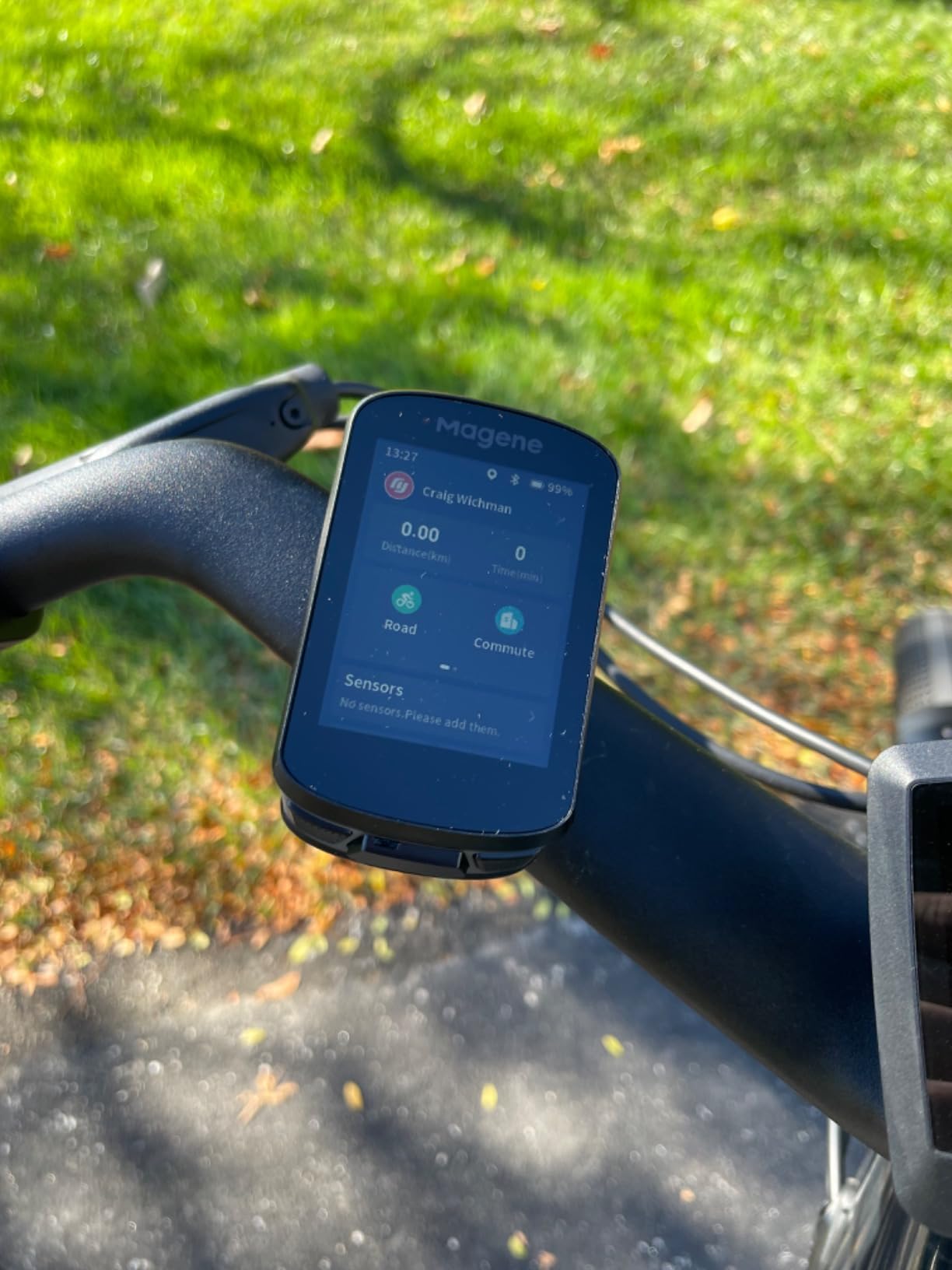
Automatic uploads to Strava and TrainingPeaks mean trip logs happen without you thinking about them, and the 105 data items across 14 categories are plenty for a touring record.
Being able to run tail lights straight from the head unit is useful on late finishes, with auto front-light activation as a bonus.
Riders who rely on detailed maps will find the download workflow frustrating, and rerouting home on any slight course deviation feels intrusive when you deliberately left the planned route.
If you ride Strava Live Segments or want a polished app for a multi-year tour, the extra cost of a Garmin or Wahoo is money well spent.
Choose on battery days, not battery hours. Divide the rated runtime by your realistic riding day. At 8 hours a day, a 35-hour unit gives you more than four riding days and a 15-hour unit gives you less than two.
Choose maps that work with no signal. Every unit here works offline, but storage and region coverage differ widely. The 32 GB BiNavi holds several countries, the 16 GB Garmins hold a region comfortably, and the 8 GB BSC300T is corridor-level only.
Choose controls that survive gloves and rain. Button-only or hybrid control beats a pure touchscreen on a wet loaded bike. The Edge 540, ELEMNT ROAM V3 and BSC300T give you physical buttons for key functions.
Choose multi-band GNSS if you ride canyons or forest. It is the difference between a clean track and a wandering one when you are under canopy or in deep valley shadow.
Choose the mount that fits your bar bag. Out-front mounts keep the screen visible on a loaded setup, but they add weight to the front end. If your bags sit close to the bars, check clearance before buying, and consider how you will store the bike at the end of each day so the computer is somewhere safe.
Choose the ecosystem you will actually use. Garmin Connect, the Wahoo app, Hammerhead, Bryton and the iGPSPORT app all import from Strava, Komoot and Ride with GPS, but each handles route creation differently. Wahoo still has no in-app route builder, so plan in Komoot or Ride with GPS and sync across.
Nobody plans battery life further than the first night, and that is where tours go wrong. These five steps keep a head unit alive for weeks.
Work out your real daily hours. Most tourers average 6 to 9 hours of riding with long stops, so multiply your riding hours by the number of days between reliable charging points before you choose a device.
Carry a power bank and a short USB-C cable. Charging at a cafe while you eat is the most reliable charging method available on tour, and it costs almost nothing to carry.
Plan routes before you ride them. Build in Komoot or Ride with GPS, export GPX or TCX, and sync to the device over Wi-Fi before you leave signal behind. Route creation on the device is the slowest part of any setup.
Download whole regions, not just your corridor. Detours happen, and a unit with no map for the road you ended up on is a unit that cannot reroute.
Pair the safety features before the first day. LiveTrack, GroupTrack and incident detection are only useful if your emergency contacts already know they are switched on.
Tourers on forums consistently report that the phone remains their primary navigation tool, with the head unit covering battery life, reliability and glanceable data. That combination is the sensible one: a cheap backup computer in the bar bag is inexpensive insurance against a flat battery at the wrong moment.
Garmin, Wahoo and Hammerhead all ship route and map updates over Wi-Fi. Bryton units have historically needed a phone for some updates, so check the current process before you leave for a country with patchy connectivity. Once the bike is back home, our bike hoist guide covers getting it up and out of the way before you unpack the kit.
The Garmin Edge 1040 is our pick for touring. It combines multi-band GNSS, full on-device maps with searchable points of interest, and a rated 35 hours of demanding-use battery, which covers a typical two-day leg. The Wahoo ELEMNT ROAM V3 is the alternate if you want spoken prompts and full button control in the rain.
For multi-day touring, look for 25 hours or more in demanding use, which gives you two to three riding days between charges. Below 20 hours you will charge nightly. Divide the rated figure by your realistic daily riding hours to work out how many days of touring each unit actually covers.
Most tourers carry both. The phone gives you richer map detail when it has reception and a battery, while the head unit keeps navigating with no signal and runs for days on one charge. A cheap backup head unit in your bag covers the case where the phone dies mid-route.
It depends on where you ride. Solar panels add meaningful runtime on long multi-day trips in strong sun, but riders on overcast routes often see little benefit and may prefer a non-solar model with a larger battery for the same money. Treat solar as a bonus for long tours, not a reason to choose a device on its own.
Yes. Every unit here stores maps on the device and navigates entirely offline, including turn-by-turn prompts and rerouting, with no cellular signal involved. You only need a phone or computer to plan and download the route beforehand, ideally over Wi-Fi.
Carry a small power bank and a short USB-C cable, and charge at cafes and libraries while you eat. Ride time still drains the unit, so plan charging around your stops rather than assuming a full charge at each overnight stop. Check your cable type, since budget units sometimes ship without one.
Yes. All the units here import GPX and TCX routes from Strava, Komoot and Ride with GPS, and Garmin and Wahoo units support wireless sync over Wi-Fi. Wahoo still has no in-app route builder, so create your route in Komoot or Ride with GPS and sync it across.
Buttons are better in rain and with gloves, because they never misfire on a wet or beaded screen. Touchscreens are better for reading and panning detailed maps. Hybrid units such as the Wahoo ELEMNT ROAM V3 give you buttons for key functions and touch for everything else, which is the safest choice on a loaded touring bar.
The Garmin Edge 1040 remains the best bike GPS computer for touring in 2026, because it balances signal quality, on-device maps and multi-day battery in a body that mounts cleanly on a loaded bar. If you ride in rain and want to hear your directions, the Wahoo ELEMNT ROAM V3 is the smarter buy. If you want flagship behaviour on a budget, the Edge 540 does it.
Whichever you choose, buy the maps before you buy the confidence. Download your regions, test the rerouting at camp, and carry a backup computer. Check current listings with the buttons above before you buy, then load your route and ride.